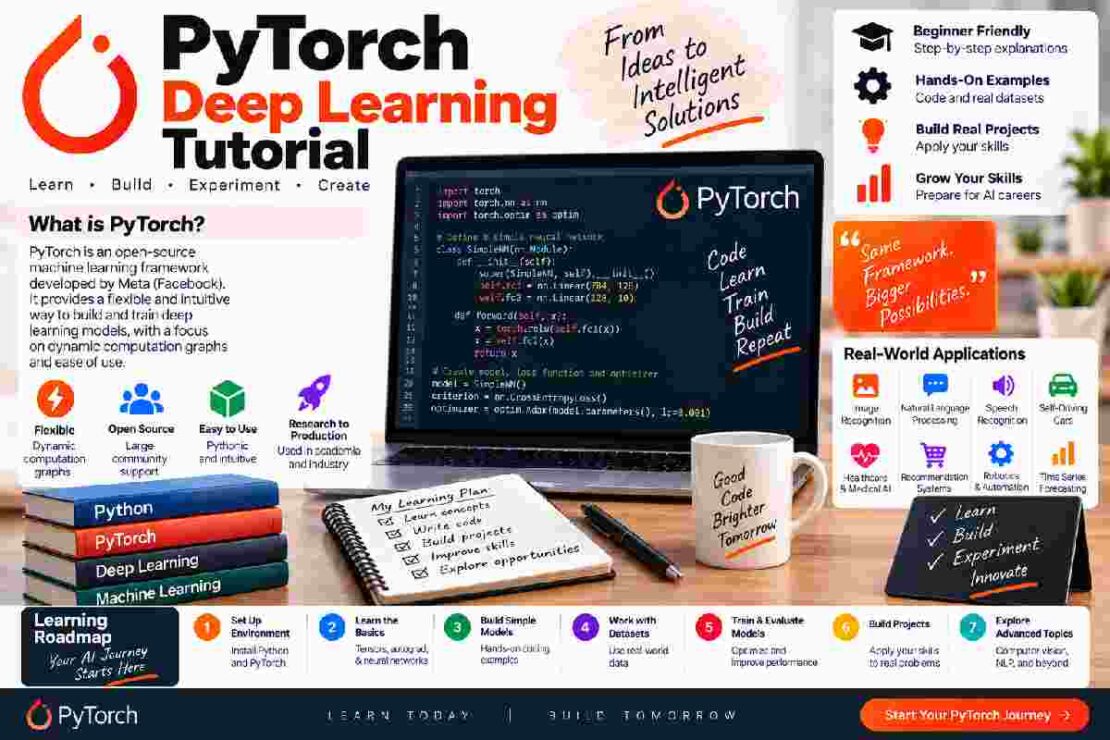
PyTorch Deep Learning Tutorial If you’re looking for the perfect PyTorch deep learning tutorial to give you a head start without getting into the detail of the mathematics behind it, then this is the perfect guide for you.
What is PyTorch?
PyTorch is an open source machine learning library that has become super popular in the deep learning research and development community.
It’s most commonly used for experimentation, computer vision, natural language processing, and more AI experiments.
Even if you’re new to deep learning, or you only have some Python programming under your belt already, you can get started with PyTorch fairly easily and build and test neural networks.
Why use PyTorch?
Here are just a few of the key reasons you should learn to use PyTorch: PyTorch Feature Benefit Tensors Powerful numerical computation Autograd Always available for computing derivatives Neural network components Simplified model-building API GPU acceleration Speed up compatible hardware workloads Native Python syntax Easy for Python enthusiasts to work with Next, we’ll go through the steps to getting started with PyTorch so that you can get to grips with the basics of neural network building. Getting started with PyTorch You’ll need to have a little Python experience to be able to make the most of PyTorch – it doesn’t have to be an expert level, but you should be familiar with working with variables, functions, and libraries.
Then, once you have PyTorch installed, the first thing you’re likely to want to do will be to work with some tensors.
What is a tensor in PyTorch?
Tensors are the main data structure you’ll use in PyTorch – in simple terms, you can think of them as containers to hold numerical data, which can be stored in more than 1 dimension. For example, a photograph is stored as an array of pixel values, which could be loaded as a tensor for processing.
PyTorch can perform all the math functions you might want to run on this data, and if your hardware supports it, it can even offload the processing onto a graphics processing unit to speed things up! How to build a neural network Once you have your data, the next stage will be to start constructing a neural network. PyTorch provides a library called torch.nn, which makes it easy to build models from layers and activation functions.
The usual workflow will be: Input Neural Network Prediction Loss Calculation Backpropagation How your model performs with this data Weight adjustment Remember, this is a very simplified look at what you would normally do when training a neural network.
If you want to just get a feel for working with this, then you’ll need to build a small project (not a full AI system) – for example, train a small neural network or simple classifier for images. Instead of just copying code and moving on, try to interpret what you’re seeing in terms of training performance, such as watching the loss shift over time, and tweak small elements to see if it makes a difference! Common beginner PyTorch problems As with any new technology, you’ll encounter some common problems – especially when you’re a beginner – such as shape errors, data type mismatches, dimensions in your model, or errors involving device placement. When these types of problems happen, always check the error message, and go through the tensor dimensions to make sure everything is consistent.
If you use a GPU, check that your model and all the tensors you’re using in your calculations are on the same device.
FAQ: Can I start PyTorch as a beginner?
Yep. You only need a little Python knowledge to start working with tensors, then move towards understanding neural networks and actual projects.
Do I need a GPU to learn PyTorch?
A GPU makes things faster with larger models and datasets, but you can absolutely learn the fundamentals with a CPU.
What should I learn before starting PyTorch?
Python fundamentals, understanding of neural networks, and some basic machine learning concepts will all put you in good stead!
Final Words:
You can dig in and experiment with real examples immediately in a Deep learning with PyTorch tutorial. You can then become a Python novice up to a model builder by learning how to manipulate data, build models, and learn as you go.