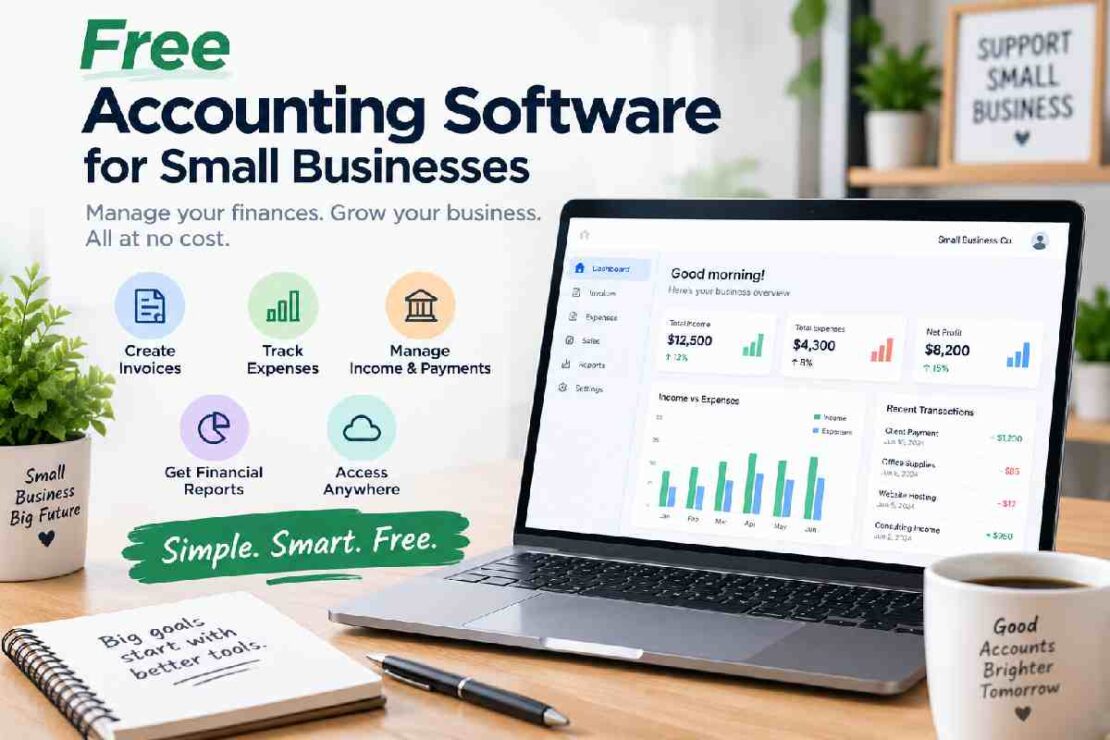
Running a small business requires diligent record-keeping of revenue, bills, receipts, and taxes, without spending on useless accounting software. Thankfully, free small business accounting software can manage a few of these aspects of record-keeping without a subscription payment.
In 2026, there are numerous free accounting software packages for small businesses that are free to use, ranging between desktop, online, and open-source options. It is best to know which small business needs you are most concerned about before making the right small business software choice.
Best Free Accounting Software for Small Businesses
Here are some of the best options to consider:
| Accounting Software | Best For | Free Option | Standout Feature |
|---|---|---|---|
| Zoho Books | Small businesses and solopreneurs | Free plan | Online accounting |
| Wave | Freelancers and service businesses | Free core features | Invoicing |
| Akaunting | Open-source users | Free/self-hosted | Customization |
| GnuCash | Traditional bookkeeping | Completely free | Double-entry accounting |
| Manager | Desktop accounting | Free desktop version | Offline access |
1. Zoho Books – Best for Online Accounting
Zoho Books is a cloud based accounting program built for small businesses & entrepreneurs to track revenues, expenses, bill customers, manage customer relationships, produce financial reports.
A free plan is what keeps this product enticing to very small businesses that seek to escape the spreadsheet but are hesitant to pay for accounting software from the get-go.
Best for: Solopreneurs, freelancers, micro-businesses.
2. Wave – Best for Simple Invoicing
Wave is built for small business and the self-employed. It offers free accounting tools to assist with simple bookkeeping tasks and professional invoices. Wave can be beneficial for small businesses that are looking for an uncomplicated solution to financial administration, instead of struggling with complex accounting software. Recommended for: Self-employed people, consultants and those in service related industries.
3. Akaunting – Best Open-Source Option
Akaunting is a solution open-source for your accounting work. It allows for more control over your accounting environment.
Good if you want an open source accounting alternative. A firm is able to get more control over its business from its features for accounting, invoicing and expenses.
Best Suited For: Small businesses or technologically adept users looking for an open source solution.
4. GnuCash – Best for Traditional Bookkeeping
Free & Open Source – based on conventional double entry accounting principles. It can be excellent for users who want full control of their ledgers. The interface and workflow can however, feel clunky compared to current cloud systems.
For who is it for?
Experienced bookkeepers and small businesses used to using desktop applications.
5. Manager – Best Free Desktop Accounting Software
Manager is another option for businesses that prefer desktop accounting rather than a subscription-based cloud platform.
It provides tools for managing accounts, invoices, expenses, and financial records. Its desktop version can be useful for businesses that want to work without depending entirely on an internet connection.
Best for: Small businesses that prefer offline accounting.
What Features Should Free Accounting Software Include?
Not every free accounting platform offers the same features. Before choosing one, check whether it supports the tasks your business performs regularly.
Look for:
- Income and expense tracking
- Invoicing
- Customer management
- Expense categorization
- Financial reports
- Bank reconciliation
- Tax-related reports
- Data exports and backups
- Multiple users, if required
- Inventory management, if applicable
A free plan may be perfectly adequate for a freelancer but limiting for a growing company. Always check the plan’s restrictions before moving your financial records to a new platform.
Free Accounting Software vs. Free Trial
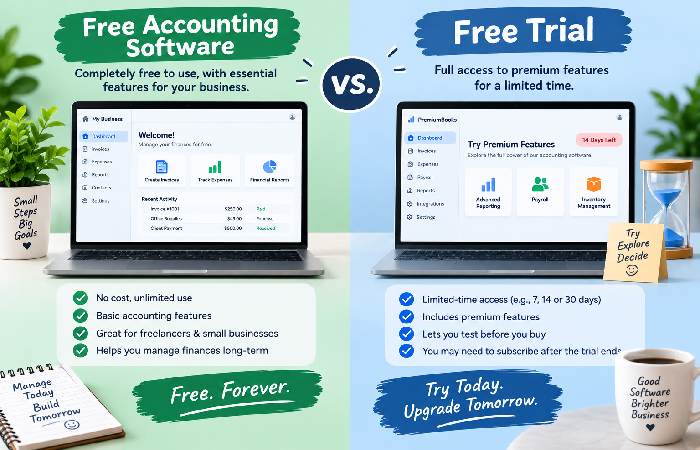
One of the most important things to understand is the difference between free accounting software and a free trial.
A free trial usually provides temporary access to paid features. Once the trial ends, you generally need to subscribe to continue using the service.
A genuinely free accounting plan, on the other hand, allows you to continue using the included features without paying a recurring subscription.
This distinction is particularly important when searching for accounting software with a free plan. Don’t choose a product simply because its website advertises a “free” offer. Check whether the plan is permanent and which features are actually included.
Is Free Bookkeeping Software Good Enough for a Small Business?
For many very small businesses, yes.
A freelancer, contractor, consultant, or new service business may only need basic tools for recording income, tracking expenses, sending invoices, and reviewing financial reports.
However, free bookkeeping software may become restrictive as a business grows.
You may eventually need paid features if you have:
- Employees and payroll
- Large numbers of transactions
- Inventory
- Multiple business users
- Advanced reporting requirements
- Complex tax requirements
- More sophisticated integrations
In these situations, paying for accounting software may save more time than continuing with a limited free plan.
How to Choose the Best Free Accounting Software
Firstly, work out exactly what your business requires: A basic cloud solution may be suitable if all your business does is issue invoices and log expenses. If you require full double-entry bookkeeping, software like GnuCash could be more useful. Open-source accounting software like Akaunting would better suit a business that wants greater customization and control. Before deciding, it is worth comparing the:
Features → Free-plan limitations → Ease of use → Scalability → Data ownership → Support
The cheapest option is not always the best option. The goal is to find software that covers your current accounting needs without creating unnecessary work.
Frequently Asked Questions
Which is the best free accounting software for small business?
It depends on your specific business needs. For an online system, Zoho Books makes a good candidate for an accounting software; for basic invoicing, Wave is a good option. Accounting software Akaunting and GnuCash are both open-source accounting software that may be relevant for you.
Is free accounting software actually free?
Some programs have indefinitely free plans, while others only offer free trial plans. When looking for free accounting software for your small business, you have to check the plans, limitations for features, and whether the essential features are available only in the paid plans.
Can free accounting software be used in place of an Excel spreadsheet?
Yes. Free accounting software is designed to streamline tasks that usually require a spreadsheet, such as automated calculations, creating invoices, categorizing accounting entries, and generating financial reports.
Can growth businesses use free accounting software?
There’s a stage at which free software could be appropriate. When companies grow, however, they often require new functionalities, so look for software with upgrade plans.
Final Thoughts
Free accounting software can offer a good solution for small business owners who need to keep track of business finances but do not wish to have an additional monthly expenditure.
The best places to begin online for simple online accounting and invoicing software for beginners include Zoho Books and Wave; an ideal option for those who prefer open source and GnuCash for traditional accounting application users.
Before you pick one, assess the features that you will actually need as opposed to selecting the software that is the lowest cost. A free software plan is only beneficial if it cuts your business time and simplifies financial administration.