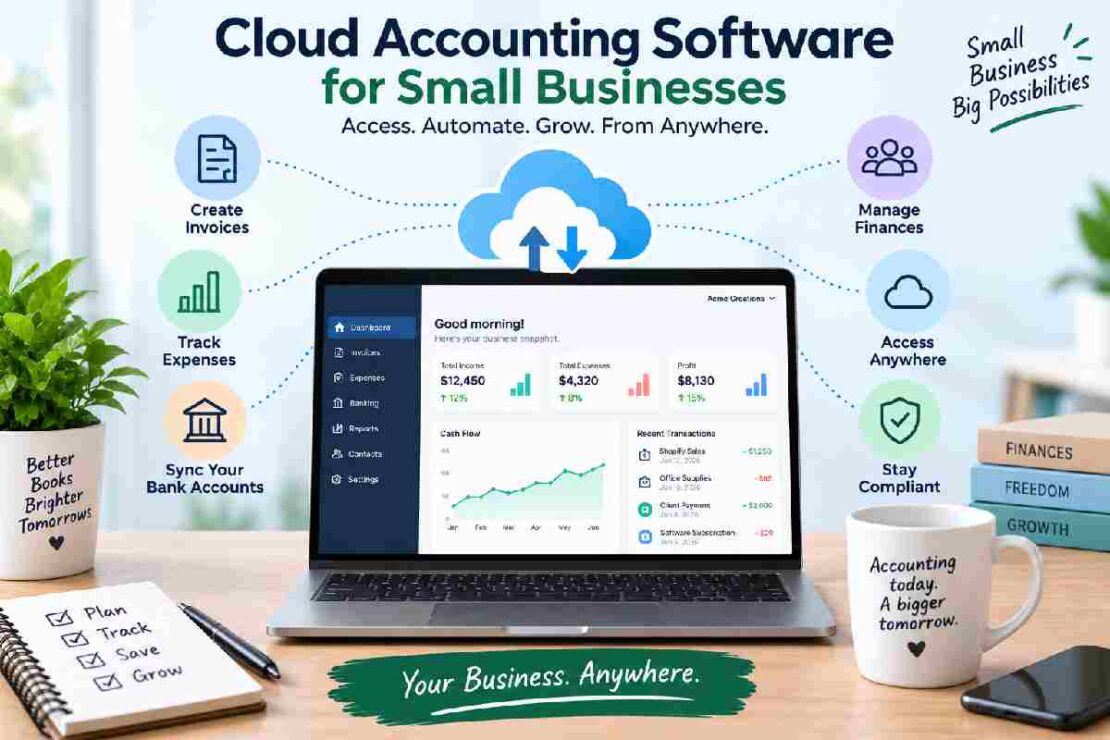
Managing business finances becomes much easier when your accounting system is available wherever you work. Cloud accounting software for small businesses lets you manage invoices, expenses, financial records, and reports online without relying on a single computer.
Unlike traditional desktop accounting programs, cloud-based accounting software stores your data online and allows you to access it through an internet-connected device. This makes it particularly useful for small businesses, remote teams, freelancers, and companies with multiple users.
Best Cloud Accounting Software for Small Businesses
The best platform depends on your business size, accounting requirements, budget, and the number of people who need access.
| Software | Best For | Cloud Access | Key Strength |
|---|---|---|---|
| QuickBooks Online | Growing small businesses | Yes | Comprehensive accounting |
| Xero | Collaborative businesses | Yes | Multi-user accounting |
| Zoho Books | Small businesses | Yes | Value and automation |
| FreshBooks | Freelancers and service businesses | Yes | Invoicing |
| Sage Accounting | Small businesses | Yes | Core accounting tools |
1. QuickBooks Online – Best Overall
QuickBooks Online is one of the most widely recognized online accounting platforms for small businesses. It combines bookkeeping, invoicing, expense tracking, reporting, and other financial-management features in a cloud-based environment.
Because the software is web-based, business owners and accountants can access financial information without being tied to a particular desktop computer.
Best for: Small businesses that want a broad accounting ecosystem and room to grow.
2. Xero – Best for Multi-User Accounting
Xero focuses heavily on collaboration, making it a useful choice for businesses that work with accountants, bookkeepers, or multiple internal users.
Its cloud-based structure means authorized users can work with the same financial data from different locations.
Best for: Businesses that need multi-user accounting software and frequent collaboration.
3. Zoho Books – Best for Small Businesses on a Budget
Zoho Books provides online accounting tools for businesses that want to manage their finances through a centralized cloud platform.
It can help with invoices, expenses, banking, financial reporting, and other everyday accounting tasks while integrating with the wider Zoho ecosystem.
Best for: Small businesses looking for affordable online accounting and business automation.
4. FreshBooks – Best for Invoicing
FreshBooks is particularly well suited to freelancers, consultants, agencies, and other service-based businesses.
Its interface emphasizes invoicing, client management, expense tracking, and time tracking, making it easier for non-accountants to manage routine financial tasks.
Best for: Freelancers and service-based businesses.
5. Sage Accounting – Best for Core Accounting
Sage Accounting provides cloud-based tools for managing essential financial processes. It can be useful for small businesses that need straightforward bookkeeping, invoicing, and financial visibility.
Best for: Small businesses looking for established accounting software with core financial features.
What Is Cloud Accounting Software?

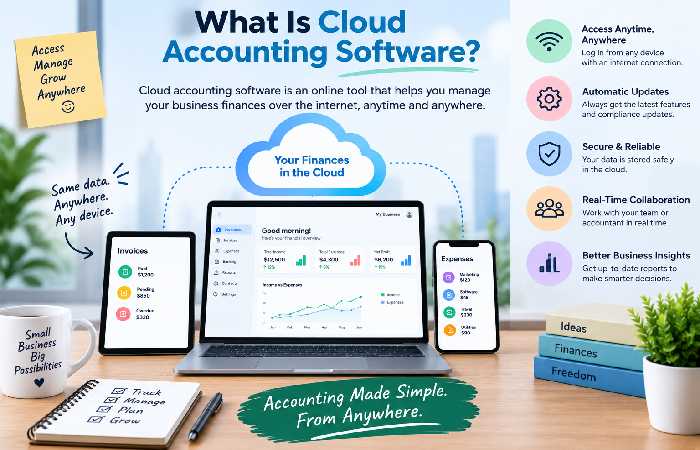
Cloud accounting software is accounting software that runs primarily through online infrastructure rather than being installed exclusively on a local computer.
This means your financial information can generally be accessed from supported devices using an internet connection.
A typical secure cloud accounting platform may offer:
- Online invoicing
- Expense management
- Bank reconciliation
- Financial reporting
- Tax-related records
- User permissions
- Automatic updates
- Data backups
- Integrations with other business tools
Benefits of Cloud Accounting for Small Businesses
The biggest advantage is accessibility. You can review your accounts while working from the office, home, or another location.
Cloud accounting can also make collaboration easier. Instead of sending accounting files back and forth, business owners and accountants can work from the same online system.
Other advantages include:
Real-time access: Financial information is available online rather than being restricted to one computer.
Easier collaboration: Multiple authorized users can work within the same system.
Automatic updates: Cloud platforms can update their software without requiring traditional manual installations.
Scalability: Many platforms offer different plans as a business’s accounting needs grow.
Less maintenance: Businesses do not have to manage accounting software entirely on their own computers.
Cloud Accounting vs. Traditional Accounting Software
| Feature | Cloud Accounting | Traditional Desktop Accounting |
|---|---|---|
| Access | Online | Usually device-based |
| Collaboration | Easy | More limited |
| Updates | Usually automatic | Often manual |
| Remote work | Convenient | Less flexible |
| Data storage | Cloud-based | Local or server-based |
| Multi-user access | Common | Depends on software |
For businesses with remote employees or external accountants, cloud accounting is often more convenient.
How to Choose the Right Cloud Accounting Software
Start with your current requirements rather than choosing the most feature-heavy platform.
Consider:
- Business size: Does the software support your current transaction volume?
- Users: How many employees or accountants need access?
- Invoicing: Do you need recurring invoices, estimates, or payment collection?
- Banking: Can the platform connect to your financial accounts?
- Reporting: Does it provide the reports your business needs?
- Integrations: Will it connect with payroll, payments, CRM, or other tools?
- Security: Does the provider offer appropriate security and access controls?
- Pricing: What will the software cost as your business grows?
Is Cloud Accounting Secure?
Security should be one of the first things you evaluate before moving financial information online.
Look for features such as encryption, secure authentication, user permissions, backups, and account activity controls. You should also use strong passwords and enable multi-factor authentication when available.
Remember that choosing a reputable provider is only one part of security. Your business should also control who has access to financial information.
Frequently Asked Questions
Is cloud accounting software good for small businesses?
Yes. Cloud accounting can be especially useful for small businesses that want remote access, easier collaboration, and centralized financial records.
What is the difference between online accounting software and cloud accounting software?
The terms are often used interchangeably. Both generally refer to accounting software that can be accessed through the internet rather than being limited to a locally installed application.
Can multiple people use cloud accounting software?
Yes. Many cloud platforms support multiple users with different permission levels. This can allow business owners, employees, accountants, and bookkeepers to collaborate.
Do I need an accountant if I use cloud accounting software?
Not necessarily. Cloud software can simplify everyday bookkeeping, but an accountant or tax professional may still be valuable for complex tax matters, financial planning, and year-end reporting.
Final Thoughts
Cloud accounting software for small businesses provides a flexible way to manage finances without keeping accounting records tied to one computer.
QuickBooks Online and Xero are strong choices for businesses seeking comprehensive and collaborative accounting, while Zoho Books can appeal to smaller businesses looking for value. FreshBooks is particularly useful for service businesses focused on invoicing, and Sage Accounting offers established core accounting functionality.
The best choice is ultimately the platform that fits your business today while giving you enough flexibility to grow tomorrow.