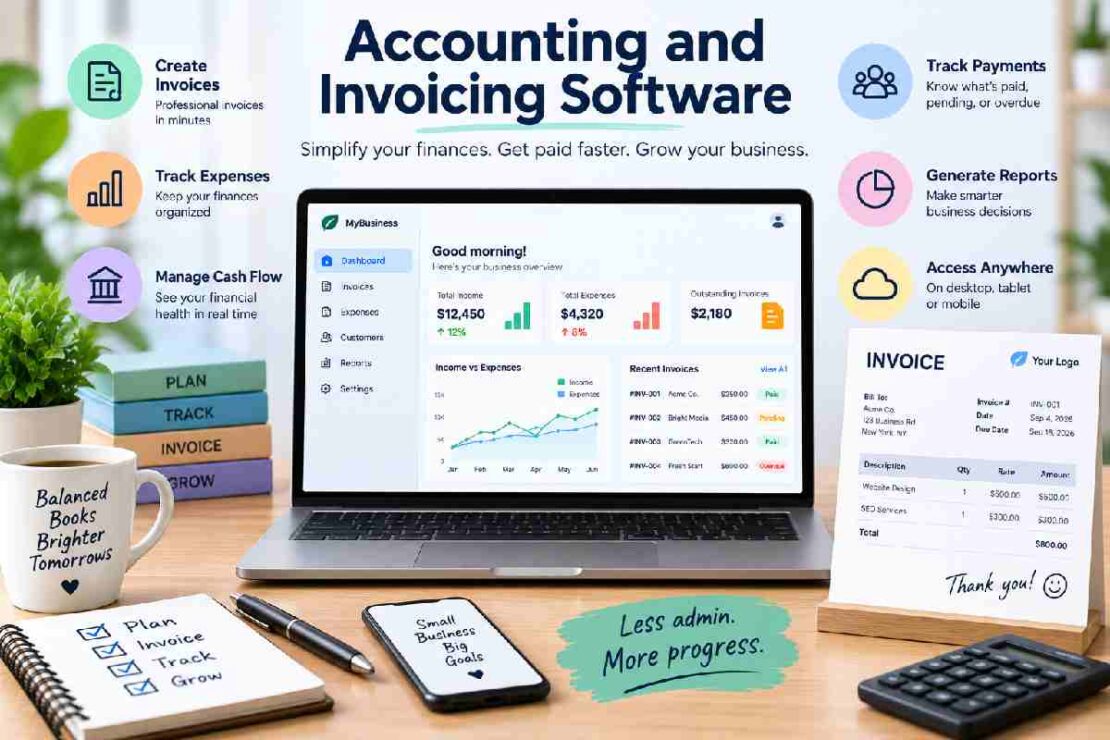
If your small business wants to make the process of managing invoices, monitoring spending, documenting money received and maintaining control over the books easier, accountancy or invoicing software could be your answer. Without the need to use and update spreadsheets and then get separate software used just for billing (or vice-versa) the one piece of software can manage day-to-day finance tasks in your business.
The question however remains which is the software most worthwhile of your business in 2026, when the market is awash with it.
Here we will take a look at some of the most used invoicing and accountancy software available considering such areas as usability, cost, feature sets and how compatible each product is to varied types of business.
Best Accounting and Invoicing Software Compared
| Software | Best For | Main Strength |
|---|---|---|
| QuickBooks Online | Growing small businesses | Complete accounting features |
| Xero | Cloud-based businesses | Automation and collaboration |
| FreshBooks | Freelancers and service businesses | Simple invoicing |
| Zoho Books | Small businesses on a budget | Value and automation |
| Wave | Freelancers and very small businesses | Free accounting tools |
1. QuickBooks Online — Best Overall
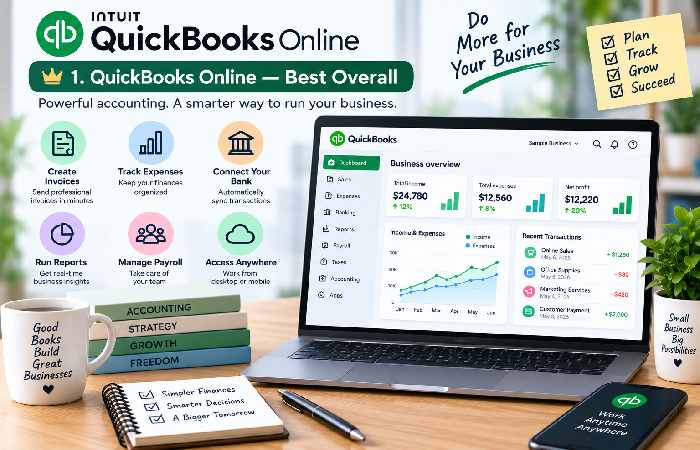
QuickBooks Online is one of the most feature-rich programs for companies requiring more than just basic invoicing. It’s more than just an invoicing program, it also offers bookkeeping, expense management, financial reporting, bank reconciliation and accounting services. Its extensive range of features would probably appeal most to businesses that might grow and want something they can scale with as accounting demands rise.
Best For Small businesses that grow and want accounting features along with their invoicing.
Pros:
- Comprehensive accounting features
- Professional invoicing
- Expense and income tracking
- Financial reporting
- Large ecosystem of integrations
Cons:
- Can be more expensive than basic invoicing tools
- Some advanced features require higher-tier plans
2. Xero — Best for Cloud Accounting
A cloud-based accounting platform which includes invoicing, bookkeeping, bank reconciliation, expenses and financial reporting.
An excellent collaboration feature in this package. Business owners and employees can interact with their accountant or bookkeeper in the cloud without the need for spreadsheet exchanges.
Ideal for:Small and medium enterprises looking for online automation of accounting services
Pros:
- Cloud-based platform
- Strong accounting features
- Bank reconciliation
- Recurring invoices
- Useful collaboration features
Cons:
- Pricing can increase as requirements grow
- Some features are restricted to specific plans
3. FreshBooks — Best for Freelancers
This service is focused on helping freelance workers, consultants, agencies and similar small service based businesses manage their billing and finances with greater ease.
The service enables users to generate professional invoices, recurring invoices, estimates, track expenses, collect payment and run accounting reports.
For a freelancer looking just to bill their clients and maintain simple financial records this could a simpler service than a complex accounting application.
Who is this best for:Freelancers, consultants, and service professionals
Pros:
- Easy-to-use invoicing
- Recurring invoices
- Expense tracking
- Estimates and client management
- Designed with service businesses in mind
Cons:
- Advanced accounting needs may require another platform
- Higher plans are needed for additional features
4. Zoho Books — Best Value
If you are a small business considering an accounting and invoicing tool and want to avoid the cost and complexity of an advanced software solution at first, Zoho Books is a good choice. Zoho Books features allow you to create invoices, recurring invoices, bills; manage your expenses; handle bookkeep; and more. It also allows you to manage customers, get financial reports, and it can integrate well with the rest of the Zoho suite of tools if your business is already leveraging it. The ideal business to use it:Small Businesses wanting inexpensive accounting & invoicing software.
Pros:
- Competitive pricing
- Free plan available in some markets
- Recurring invoices
- Expense tracking
- Broad business-management ecosystem
Cons:
- Some advanced features are limited to higher plans
- The range of features can feel overwhelming for beginners
5. Wave — Best Free Option
Target Audience – The Wave is ideal for any entrepreneur, freelancer, and very small business who are looking for ways to limit their accounting expenses.
With its free accounting tools, it will appeal the most to startups businesses who has not yet developed their needs that can be acquired on the bigger accounting programs, but require them later on.
The best product will be – It can be used by the solopreneurs and very small business.
Pros:
- Free accounting option
- Simple invoicing
- Income and expense tracking
- Easy starting point for new businesses
Cons:
- Fewer advanced features than full accounting platforms
- May not be the best choice for rapidly growing businesses
What Is the Difference Between Accounting and Invoicing Software?
Although the terms are sometimes used together, accounting and invoicing software are not exactly the same.
Invoicing software primarily helps businesses create, send, track, and manage invoices. It may also support recurring billing and online payments.
Accounting software goes further by helping businesses record income and expenses, reconcile transactions, manage accounts, and generate financial reports.
For a business that only needs to bill customers, a basic invoicing tool may be enough. However, businesses that also need bookkeeping and financial reporting should consider an accounting platform with built-in invoicing.
What Features Should You Look For?
When comparing bookkeeping and invoicing software, look for features that match your actual workflow.
Important features include:
- Professional invoice creation
- Recurring invoice support
- Expense tracking
- Online payment processing
- Bank reconciliation
- Financial reporting
- Tax-related tools
- Customer management
- Mobile access
- Third-party integrations
If you send the same invoices every month, recurring invoice software can save significant time. Similarly, businesses with multiple customers may benefit from online invoice management tools that make it easier to track unpaid and overdue invoices.
How to Choose the Best Software for Your Business
First, list down what you realistically require.
If you mainly need to send invoices, perhaps a non feature-loaded accounting service will be a better choice than a fully loaded one like QuickBooks Online.
If you are looking for full bookkeeping and accounting, then you probably can’t go wrong with either QuickBooks Online or Xero.
If you want the cheapest option, maybe Zoho Books and Wave would suit you.
Don’t forget to take into consideration the growth. What seems to be cheapest now may not seem like a good idea once you hire more people, gain more customers, have more transactions, have a more complex accounting.
Frequently Asked Questions
Which is the best accounting and invoicing software for a small business?
There’s no ‘best’ solution for all businesses. QuickBooks Online is a great all-rounder while FreshBooks has lots of features perfect for the self-employed or service-based businesses and Zoho Books and Wave should be explored if your top priority is cost.
Can accounting software send invoices?
Yes. Most current online accounting software offers invoice creation as a core feature so you can raise an invoice whilst also creating a corresponding income entry in your books.
Is free invoicing software good enough for a small business?
It can be, particularly for a freelance or micro business with few requirements. However if your business will needs a wide range of reports, stock management, employee payments, more detailed accounts or integration with other software then you may soon want to consider paid alternatives.
What is the difference between invoicing software and bookkeeping software?
Invoicing software covers billing your customers, while bookkeeping software is more involved in keeping records of all your business finances. Systems like QuickBooks Online, Xero and Zoho Books do both.
functions.
Final Verdict
The right choice of accounting and invoicing software will depend on the size of your business, budget, and accounting needs.
An excellent choice across the board for growing businesses is QuickBooks Online. Businesses looking for accounting that takes advantage of cloud technology and Collaboration will find Xero ideal, while freelance and service-based businesses are likely to benefit from FreshBooks’ dedicated features and even smaller businesses may consider Zoho Books for its good balance of price and performance. Wave provides a great, cost-effective entry point for many extremely small businesses to begin with.
Be sure to consider the software’s up-to-date prices and current set of features, payment plans and integration possibilities, as well as scaling options.