Last Updated: August 12, 2026
Online Python Editor with Packages
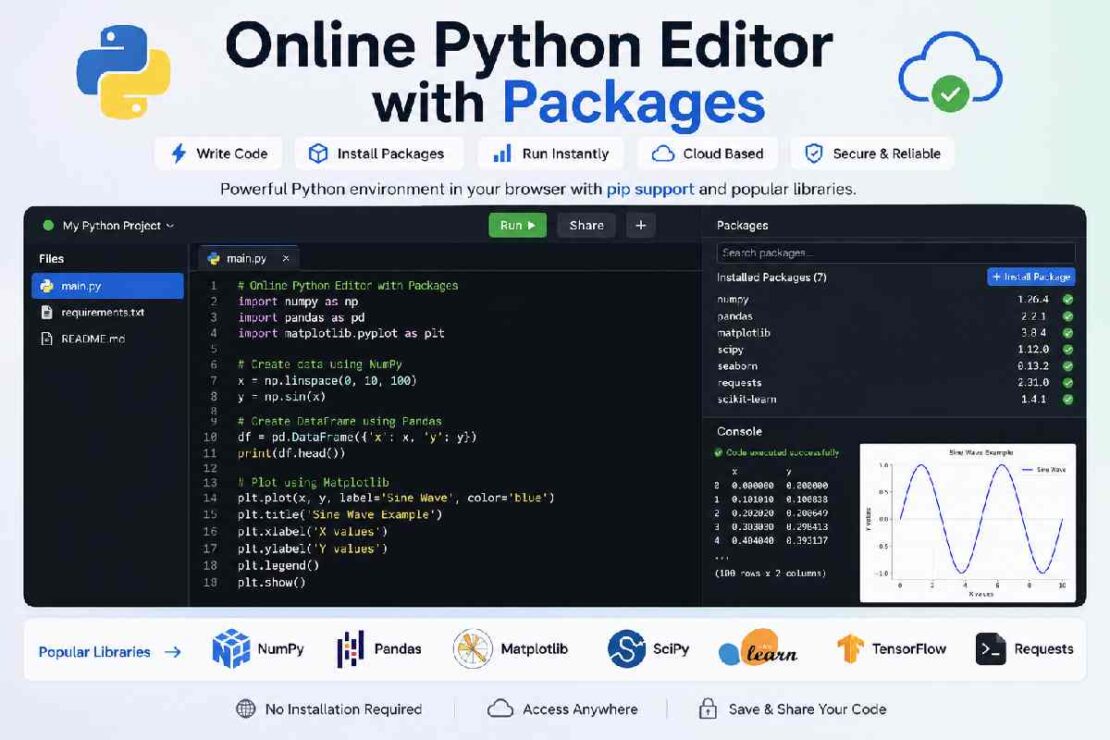
Write, run and test your python code easily online in a browser by using our web-based python IDE online and come along with a ready-to-use installation of popular libraries like NumPy, Pandas, Matplotlib, Requests, SciPy, TensorFlow and many other standard python libraries out-of-the-box rather than installing them after python. You won’t need to setup anything. Ideal for students, programmers, educators, researchers, and data scientists.
What Is an Online Python Editor with Package Support?

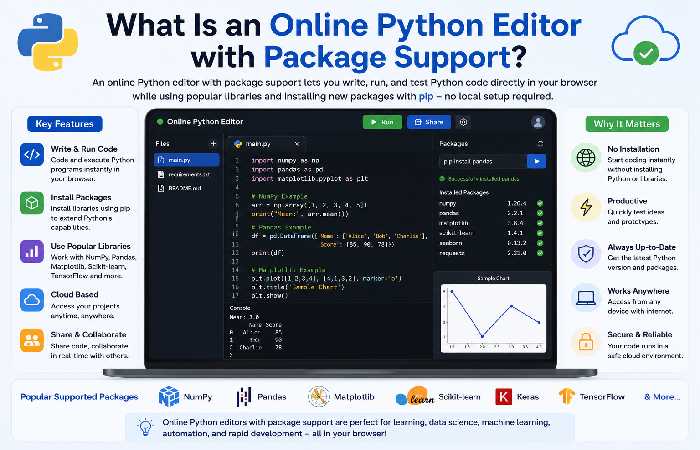
What’s a package enabled online Python editor? The answer is simple – an online Python development environment accessible through the web which also give you access to all Python libraries. Depending on the platform the following tasks can be carried out: install package by Pip, use scientist libraries in your code, create your first ML model, study datasets, draw charts, test APIs and develop web applications.
Why Package Support Matters
Python’s popularity comes largely from its ecosystem of libraries.
Without packages, Python is useful for learning syntax.
With packages, Python becomes a powerful tool for:
- Data science
- Machine learning
- Automation
- Web development
- Artificial intelligence
- Data visualization
- Scientific computing
Package support transforms a simple editor into a complete development platform.
Best Online Python Editors with Package Support (2026)
| Platform | pip Support | Popular Libraries | Best For |
|---|---|---|---|
| Replit | ✅ Yes | NumPy, Pandas, Flask, Requests | General development |
| Google Colab | ✅ Yes | TensorFlow, PyTorch, Pandas | Machine Learning |
| PythonAnywhere | ✅ Yes | Scientific libraries | Web apps |
| Deepnote | ✅ Yes | Pandas, NumPy, Matplotlib | Data analysis |
| Kaggle Notebooks | ✅ Yes | ML libraries | Data Science |
Online Python Editor with NumPy
NumPy is the foundation of scientific computing in Python.
Most modern online editors already include NumPy.
Example:
import numpy as np

numbers = np.array([5,10,15,20])

print(numbers.mean())
NumPy enables:
- Matrix operations
- Statistics
- Numerical computing
- Linear algebra
- Random number generation
Online Python Editor with Pandas
Pandas simplifies working with structured data.
Example:
import pandas as pd

df = pd.DataFrame({
    "Name":["Alice","John"],
    "Age":[22,28]
})

print(df)
Pandas is widely used for:
- Data cleaning
- Excel replacement
- CSV processing
- Business analytics
- Financial reporting
Python IDE with Matplotlib
Visualization is an essential part of Python programming.
Example:
import matplotlib.pyplot as plt

plt.plot([1,2,3],[4,7,5])

plt.show()
Most cloud IDEs now support inline graph rendering directly inside the browser.
Common visualization libraries include:
- Matplotlib
- Plotly
- Seaborn
- Bokeh
Install Python Packages Online
Many cloud IDEs support package installation using pip.
Typical command:
pip install requestsor
pip install scikit-learnSome platforms automatically install dependencies when they are listed in a requirements file, making project setup easier.
pip Support in Online IDE
Not every online editor offers the same level of pip support.
| Feature | Basic Editor | Advanced Online IDE |
|---|---|---|
| pip install | Limited | Yes |
| requirements.txt | No | Yes |
| Package updates | Limited | Supported |
| Virtual environments | Rare | Common |
| Private packages | Usually No | Platform dependent |
For larger projects, choose an IDE that supports dependency management.
Machine Learning Libraries Online
Modern cloud IDEs increasingly support machine learning frameworks.
Popular libraries include:
- TensorFlow
- PyTorch
- Scikit-learn
- XGBoost
- LightGBM
- Hugging Face Transformers
Some platforms also provide GPU access for computationally intensive workloads.
Python Virtual Environment Online
Virtual environments isolate project dependencies.
Benefits include:
- Prevent version conflicts
- Separate project librarie
- Improve reproducibility
- Easier collaboration
Several cloud IDEs automatically create isolated environments behind the scenes, reducing setup complexity.
Cloud Python Package Management
Cloud package management simplifies dependency handling.
Advantages include:
- Automatic dependency installation
- Cloud synchronization
- Version management
- Shared environments
- Faster onboarding
This is particularly useful for teams collaborating on the same Python project.
Performance Comparison (2026)
| Task | Basic Online Editor | Package-Supported IDE |
|---|---|---|
| Simple scripts | Excellent | Excellent |
| NumPy operations | Limited | Excellent |
| Data analysis | Limited | Excellent |
| Machine learning | Not supported | Excellent |
| Data visualization | Basic | Excellent |
| Large projects | Moderate | Very Good |
2026 Trend: Online Python editors continue to expand support for scientific computing, AI frameworks, and collaborative workflows, narrowing the gap with traditional desktop IDEs.
Common Package Errors
ModuleNotFoundError
ModuleNotFoundError: No module named 'pandas'Solution:
Install the missing package using pip or confirm that the platform supports the library.
Version Conflict
Some packages require specific dependency versions.
Always check compatibility with your Python version.
Memory Limits
Free online IDEs may restrict CPU, RAM, or execution time.
Large datasets or deep learning models may require paid plans or local development.
Troubleshooting
| Problem | Solution |
|---|---|
| Package won’t install | Verify pip support on the platform |
| ImportError | Check spelling and installation status |
| Slow execution | Reduce dataset size or upgrade resources |
| Library unavailable | Choose an editor with broader package support |
| Dependency conflict | Update or pin compatible package versions |
Which Users Benefit Most?
Beginners
Use editors with pre-installed libraries to avoid configuration issues.
Students
Cloud editors simplify assignments and classroom collaboration.
Data Analysts
Choose editors that support Pandas, NumPy, and visualization libraries.
Machine Learning Engineers
Select platforms with GPU support and TensorFlow or PyTorch compatibility.
Professional Developers
Use online editors for prototyping and collaboration, then move larger production projects to a local IDE when needed.
FAQ
What online Python editor has support for the most packages?
Replit, Google Colab, and PythonAnywhere have support for packages covering web development, data science, machine learning and more.
Can you install packages for Python online?
Yes, a number of cloud-based python IDE’s let you either have packages pre-installed or let you simply do Pip install from your online Python script.
Will an online python editor have support for NumPy and Pandas? Yes, nearly every editor willEither support the installation or package NumPy, or come packaged with it.
Are there onlinepython editors that help with machine learning?
Yes!
Many online platforms like Kaggle Notebooks or Google Colab are ideal for doing machine learning as they are integrated with tools likeTensor Flowand PyTor chand come with GPU access.
Do i need a virtual env in an online python IDE? Certain online editors will auto-matically provide an isolated environment for the packages you are working with. Others will allow you to explicitly create a virtual environment.
Conclusion
What an Online Python IDE With Packages Looks Like These days, online Python IDEs with packages provide all of the functionality that previously could only be provided by a desktop development environment. You might still wish that you could use local libraries but with so much work happening in the browser today – especially related to data – it can sometimes even be better.