Last Updated: July 19, 2026
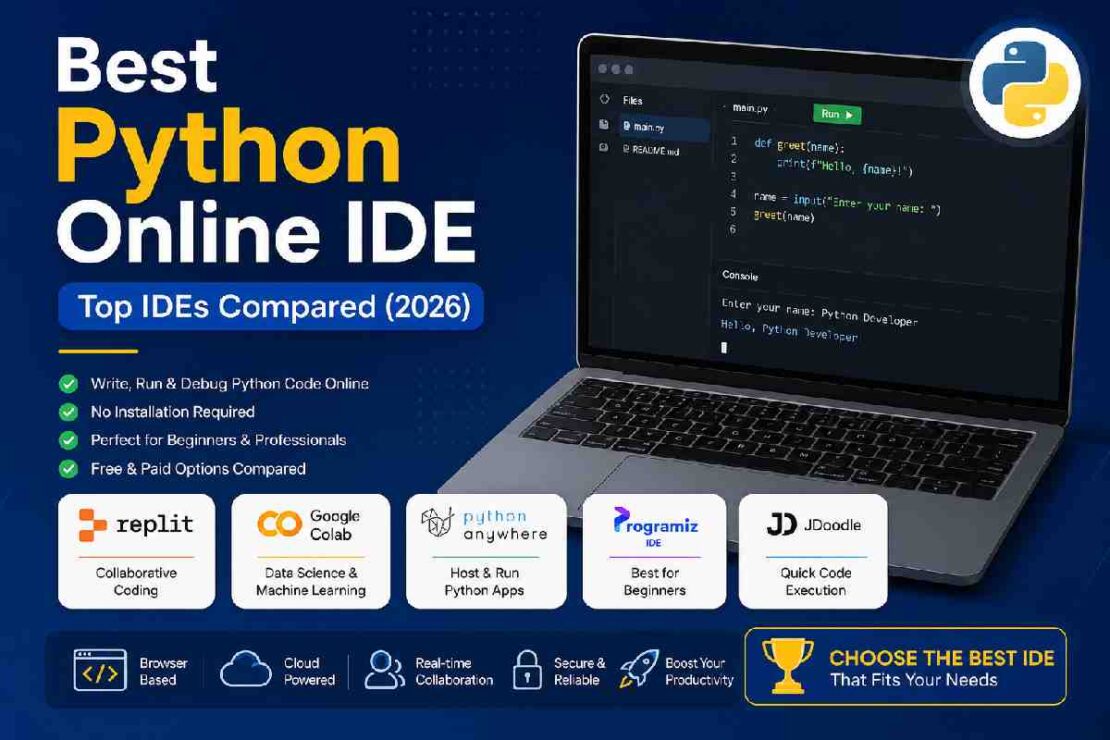
Python is a hugely popular language and because of cloud technology you do not even need to install any software to get started. If you’re looking for a quality python online ide, web-based python environments today will allow you to code, debug, test and even deploy your apps right in the browser. From learning python for the first time, to coding large ML models, the right python ide can be a huge time saver.
Quick Comparison Table
| IDE | Best For | AI Support | Package Support | Free Plan | Overall Rating |
|---|---|---|---|---|---|
| Replit | Full-stack development | Yes | pip | Yes | ⭐⭐⭐⭐⭐ |
| Google Colab | Data Science & ML | Gemini | Yes | Yes | ⭐⭐⭐⭐⭐ |
| PythonAnywhere | Hosting Python Apps | Limited | Yes | Yes | ⭐⭐⭐⭐☆ |
| JDoodle | Quick Testing | No | Limited | Yes | ⭐⭐⭐⭐ |
| Programiz IDE | Beginners | No | Basic | Yes | ⭐⭐⭐⭐ |
| OnlineGDB | Debugging | No | Basic | Yes | ⭐⭐⭐⭐ |
Reviews evaluated 2026’s ease-of-use rating, its features, its cost, and its ability to accommodate teams of varying size through packaging or use, alongside how widely it’s embraced by the open-source community
1. Replit — Best Overall Python Online IDE
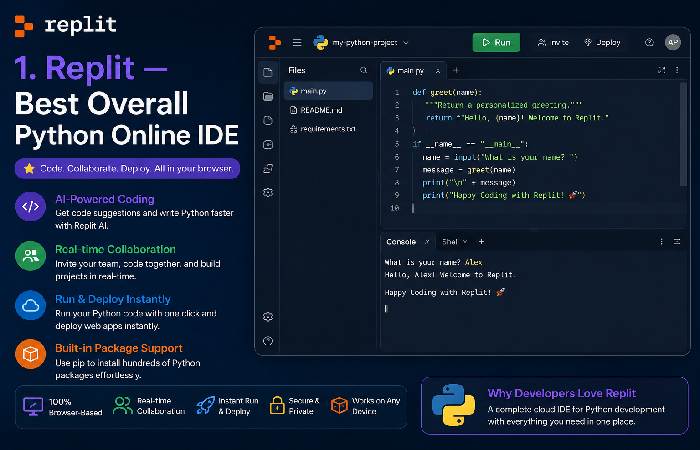
Best for: Students, developers, startups
Pros
- AI-assisted coding
- Git integration
- Real-time collaboration
- Deploy directly from browser
- Supports hundreds of packages
Cons
- Free plan has resource limitations
- Advanced AI features require paid plans
If you want to get the closest you can get to a desktop IDE on your browser Replit is still one of the best contenders. The discussion boards also keep mentioning Replit for collaborative work although one or two mention some of the free limitations creeping in.
2. Google Colab — Best Cloud Python IDE for Machine Learning
Perfect for:
- Data Science
- AI
- Deep Learning
- Research
Highlights
- Free GPU (usage limits apply)
- Jupyter Notebook interface
- Google Drive integration
- Easy package installation
A notebook-based IDE, not like your standard online one, it makes google colab excellent for experimenting, visualization, and machine learning.
3. PythonAnywhere — Best for Hosting Python Applications
Pythonanywhere has two uses: coded with, and deployed. Useful for Flask, Django, scheduled script and web hosting Pythonanywhere is good because you have a Linux machine, on which you can type commands right inside the browser window – a godsend for the programmer who wants a web server but really doesn’t want to maintain his own server infrastructure.
4. Programiz IDE — Best Online Python IDE for Beginners
If you’ve never written Python before, Programiz offers one of the simplest interfaces available.
Why beginners love it:
- Clean editor
- No setup
- Instant execution
- Beginner tutorials
It removes unnecessary complexity, helping new programmers focus on learning Python syntax instead of configuring environments.
5. JDoodle — Best for Quick Code Testing
JDoodle is excellent when you simply need to:
- Test snippets
- Practice interview questions
- Share code quickly
- Experiment with algorithms
Since projects aren’t the focus, it works best for lightweight programming tasks.
Replit vs PythonAnywhere
| Feature | Replit | PythonAnywhere |
|---|---|---|
| Collaboration | ⭐⭐⭐⭐⭐ | ⭐⭐ |
| Hosting | ⭐⭐⭐⭐ | ⭐⭐⭐⭐⭐ |
| Learning | ⭐⭐⭐⭐⭐ | ⭐⭐⭐⭐ |
| AI Coding | Yes | Limited |
| Browser Experience | Excellent | Very Good |
Winner: Replit for learning and collaboration, PythonAnywhere for long-running web applications.
JDoodle vs Programiz IDE
| Feature | JDoodle | Programiz |
|---|---|---|
| Beginner Friendly | ⭐⭐⭐ | ⭐⭐⭐⭐⭐ |
| Interface | Basic | Modern |
| Tutorials | No | Yes |
| Code Sharing | Yes | Limited |
| Learning Experience | Good | Excellent |
If you’re just starting Python, Programiz is easier to navigate. JDoodle is better suited for experienced users who need a quick compiler.
Google Colab vs Traditional Online Python IDEs
| Feature | Google Colab | Browser IDE |
|---|---|---|
| GPU Support | ✅ | ❌ |
| Machine Learning | Excellent | Limited |
| Notebook Interface | Yes | No |
| Web Development | Moderate | Excellent |
| Collaboration | Excellent | Good |
Choose Google Colab if your focus is AI, data science, or large-scale data analysis. Choose a traditional browser IDE like Replit for software development and application building.
AI-Powered Python IDEs
AI is changing how developers write code. Popular browser-based platforms now include intelligent features such as:
- AI code completion
- Bug detection
- Code explanation
- Automatic documentation
- Refactoring suggestions
Among current browser IDEs, Replit and Google Colab provide the most mature AI-assisted experiences, while newer tools are expanding these capabilities rapidly. Research suggests AI-assisted IDEs can improve developer workflows, though effectiveness depends on the task and user experience.
Free vs Paid Python Online IDE
| Feature | Free | Paid |
|---|---|---|
| Basic Coding | ✅ | ✅ |
| AI Features | Limited | Full |
| More RAM | ❌ | ✅ |
| Private Projects | Limited | Unlimited |
| Team Collaboration | Limited | Advanced |
| Deployment | Limited | Full |
For students and beginners, free plans are usually sufficient. Professional developers often benefit from paid tiers that unlock AI tools, higher resource limits, and deployment features.
Common Problems and Solutions
Code won’t run
- Verify Python version compatibility.
- Install required packages if the platform supports
pip. - Review the console for syntax errors.
Missing libraries
Some lightweight IDEs don’t allow third-party packages. Switch to Replit, Google Colab, or PythonAnywhere if you need external dependencies.
Slow execution
Free cloud plans often have CPU, memory, or session limits. Upgrading or choosing a platform optimized for your workload can improve performance.
Which Python Online IDE Should You Choose?
| User Type | Recommended IDE |
|---|---|
| Absolute Beginner | Programiz IDE |
| Student | Replit |
| Web Developer | PythonAnywhere |
| Machine Learning | Google Colab |
| Interview Practice | JDoodle |
| AI-Assisted Coding | Replit |
FAQ
What’s the best python online IDE in 2026?
Best all-around coding: Replit. Replit is one of the top Python IDEs for use in your browser that gives you the capability to build apps, write code, and have the opportunity to collaborate and deploy. If you are more focused on data analysis, your top bet would be Google Colab.
Which online python IDE is best for beginners?
The Programiz IDE is considered to be one of the most user friendly python IDE’s to get started with due to its ease of setup and ability to run your code in a flash.
Is google colab better than replit?
Replit and Colab each offer their advantages. Replit is preferable for developing collaborative web applications and building the apps in general. If you want more power for developing Machine Learning and analyzing data, go for Colab.
Can I use python online for free?
Yes.
A vast majority of the python online IDEs come with free tier access that allows us to learn their services and test. More of advanced functions including complex A.I functionalities, extended server time and increased data storage often require paid services and advanced plans.
Conclusion
The best Python online IDE depends on your goals. Beginners benefit from the simplicity of Programiz, developers appreciate Replit’s full-featured environment, PythonAnywhere excels at hosting web applications, and Google Colab remains the leading choice for machine learning and data science.