Last Updated: August 12, 2026
Python Online IDE for Beginners
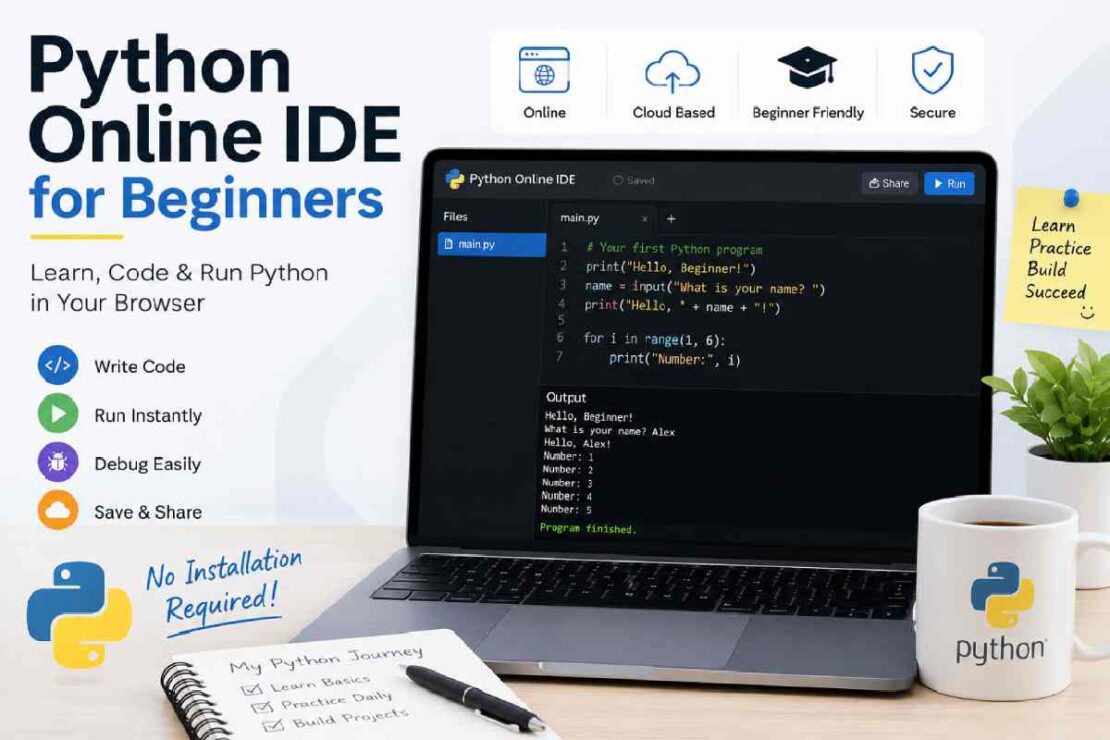
Learn python easily: free browser-based python IDE for kids/beginners: If you don’t have the motivation (and will) to install a Python IDE (e.g. An Integrated Development Environment on your computer, such as Wing, Eric, or PyDev IDE) or run modules and download packages/install environments; it makes sense to install Python on your browser and start by typing something: ‘Run!’ (Press your command) Everything is there, ready for college, new professionals who intend to become software developer or analyze data in the next month and everyone willing to explore coding. Most importantly: this python IDEs don’t need any software/download from the PC/tablet/Chromebook and most are free on Linux, Mac, and Windows.
What Is a Python Online IDE?

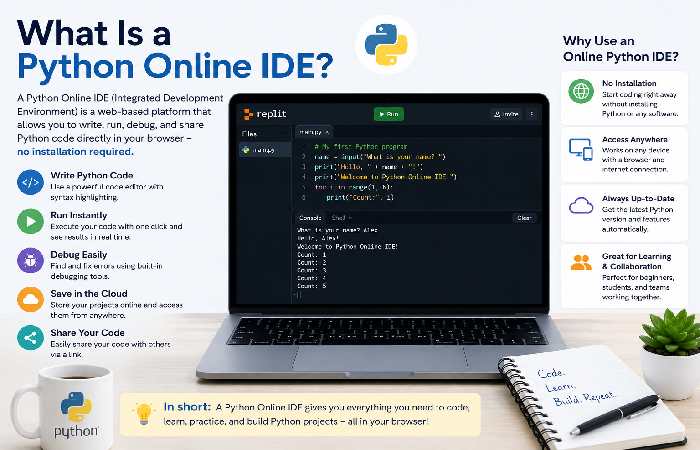
Python Online IDEs are browser-based environments for coding in Python. You can use one to write Python code, run scripts in real-time, store project code, resolve buggs, share code snippets and practice coding with interactive lessons. No need for any software downloads – they make python accessible for anyone new to programming!
Why Beginners Should Use an Online Python IDE
There’s already so much to get through when you start to learn how to code without all of this setup, including the install process itself,PATH variable configuration, editor choices, package installation… Luckily there’s no installation Python IDE solutions to these issues. The advantages of a No Installation IDE:No SetuprequiredAccess fromany browerFreeautomatically updated Pythoncloud storage for your projectsA super simple beginner focused interfaceinstantaneous execution of yourcodeShare your coding workspace easilyWith this you spend the first hour coding, not installing the necessary tools.
Write Your First Python Program
Every Python journey starts with the famous “Hello, World!” program.
print("Hello, World!")Click Run, and you’ll immediately see:
Hello, World!This simple exercise helps beginners understand:
- syntax
- output
- execution
- code editing
From here, you can begin experimenting with variables, loops, functions, and user input.
Best Beginner-Friendly Python IDEs (2026)
| Online IDE | Beginner Friendly | Debugger | Installation | Best For |
|---|---|---|---|---|
| Replit | ⭐⭐⭐⭐⭐ | Yes | No | Complete beginners |
| Programiz | ⭐⭐⭐⭐⭐ | Basic | No | Learning syntax |
| PythonAnywhere | ⭐⭐⭐⭐☆ | Limited | No | Small projects |
| OnlineGDB | ⭐⭐⭐⭐☆ | Yes | No | Debugging practice |
| JDoodle | ⭐⭐⭐⭐☆ | Basic | No | Quick coding |
What Beginners Should Look For
Choose an IDE that offers:
- syntax highlighting
- auto-complete
- easy interface
- beginner tutorials
- cloud saving
- debugging tools
- free usage
Avoid platforms overloaded with professional developer features if you’re just getting started.
Learn Python Online Step-by-Step
A structured learning approach helps you progress faster.
| Week | Focus |
|---|---|
| Week 1 | Variables, Data Types |
| Week 2 | Loops & Conditions |
| Week 3 | Functions |
| Week 4 | Lists & Dictionaries |
| Week 5 | File Handling |
| Week 6 | Mini Projects |
Consistent daily practice—even 20–30 minutes—is more effective than occasional long sessions.
Python Coding Exercises for Beginners
Practice reinforces learning. Try these beginner-friendly exercises:
- Print your name.
- Add two numbers.
- Check if a number is even or odd.
- Calculate factorial.
- Reverse a string.
- Find the largest number.
- Create a multiplication table.
- Count vowels in a sentence.
- Build a simple calculator.
- Create a number guessing game.
These exercises build confidence while introducing core programming concepts.
Python Practice Online vs Local Installation
| Feature | Online IDE | Desktop IDE |
|---|---|---|
| Installation | ❌ Not required | ✅ Required |
| Setup Time | Less than 1 minute | 15–30 minutes |
| Updates | Automatic | Manual |
| Cloud Access | Yes | Limited |
| Works Anywhere | Yes | Device-specific |
| Beginner Friendly | Excellent | Moderate |
For new learners, online IDEs offer the fastest path to productive coding.
2026 Online Python IDE Feature Comparison
| Feature | Most Beginner IDEs (2024) | Leading Beginner IDEs (2026) |
|---|---|---|
| AI Code Suggestions | Limited | Common |
| Cloud Storage | Optional | Standard |
| Real-time Collaboration | Basic | Advanced |
| Built-in Tutorials | Few | Integrated |
| Mobile Compatibility | Moderate | Improved |
| Debugging | Basic | Visual Debugging |
Trend: The rise of smarter IDEs The newest online coding editors are becoming increasingly sophisticated. Offering helpful prompts and auto completion thanks to AI, plus providing in the IDE instruction and collaborative coding tools, they lower the barriers for people trying to learn how to code for the very first time.
Common Beginner Mistakes
Avoid these common issues:
Indentation Errors
Python relies on indentation instead of braces.
Incorrect:
if True:
print("Hello")
Correct:
if True:
    print("Hello")
Misspelled Variables
age=20
print(ag)
Always use consistent variable names.
Missing Parentheses
print("Hello")Modern Python requires parentheses with print().
Troubleshooting Common Issues
| Problem | Solution |
|---|---|
| Code doesn’t run | Check syntax errors |
| IndentationError | Fix spacing |
| NameError | Verify variable names |
| Infinite loop | Review loop conditions |
| Import error | Use supported libraries or install packages where applicable |
Most online IDEs also provide built-in error messages that help identify the exact line causing the problem.
Why Online IDEs Are Ideal for Beginners
Online python IDE removes your distractions by focusing the whole thing into teaching you to develop skills on basic programming features like the cloud storage, instant execution, auto completion, tutorials etc., makes the learning so smooth when you are a starter as compared to install desktop application. After you master, it comes naturally to shift to some IDEs when you want to be in to your professional life while you do not need to relearn python!
FAQ
The best Python online IDE for beginners?
Tools such as Replit and Programiz stand out because they are very easy to get started with (zero installation needed) due to the beginner-friendly UIs they provide.
Can I run Python online without installing it?
Absolutely.
These online editors work entirely inside your browser, meaning you can write and run code there and then save your files without any local installation.
Are online Python IDEs free to use?
Many free tiers of popular Python online editors are perfectly adequate for learning and building simple beginner-level projects.
Do online Python IDEs have debuggers?
Many online Python IDE tools include the ability to run/debug code from the browser. A powerful learning technique would be to take break points step-through code (similar to debugging capabilities). How does an online Python IDE compared to simply running on their system? Running an online Python IDE tool will greatly remove any headaches of installation/ environment set up as a beginner so in general an online tool would be a good way to try and get into Python, but then may consider using IDE running locally for development when project scales to a bigger scale.
Conclusion
Perhaps the simplest method of all for total beginners wishing to get started with programming on your own device in 2026, online IDEs such as python’s online version are remarkably quick, allow no need for installation, can be used instantaneously, have extensive built-in language learning functionalities and also are kept to cloud use, so your time and effort may be put entirely on just what’s essential – producing code.