Last Updated: September 12, 2026
Better time, organizing, and focus with applications for your Android device.
Android productivity applications: What to look for and comparison
In this guide, we detail what to find when looking for the best of android productivity applications.
The ideal productive Android apps can allow you to organise yourself task by task, to time manage, take notes, stay focused, and get things done on just one application instead of searching several-but choosing the one perfect product that suits you can be overwhelming due to variety in options. Selecting which is the best mobile productivity will depend on whether you’re searching for basic tasks, a scheduling helper, one that creates notes, one that is a focus timer or even one that is an all-rounder in productivity.
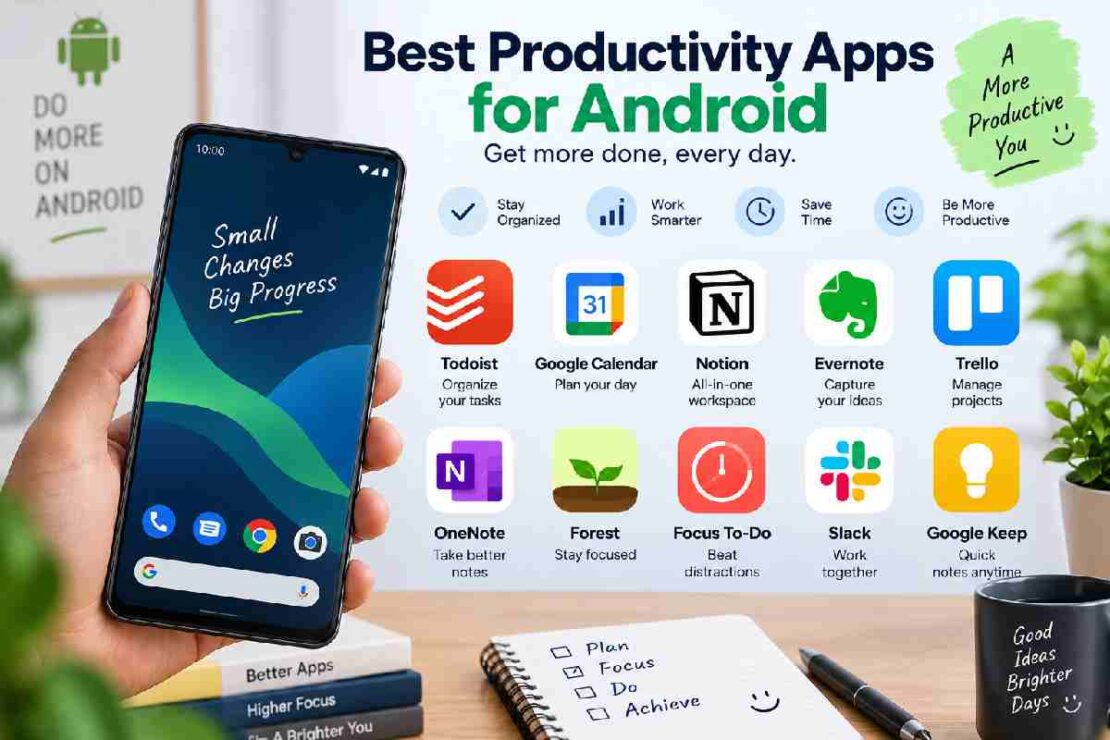
Android productivity applications
App
Suitable for
Option is Free
Key functionality
Todoist
Task-oriented work flow
Yes
Smart task planning
Google Calendar
Schedule your time
Yes
Time & calendar organization
Microsoft To Do
Straight-forward tasks
Yes
Efficient lists and reminders
Notion
Note & organization tasks
Yes
Individual work platform
Trello
Board planning
Yes
Kanban board design
Tick
Personal projects & habit formation
Yes
Individual scheduling and habits
Forest
Staying on task
Yes
Productive timers for work focus
1. Todoist – Task-oriented work flow
When tasks aren’t on paper and want to ensure all daily tasks and priorities are taken care of- Todoist can act as your greatest assistant. Not only will it sort tasks and projects in your agenda along withdue dates and priority levels, but it can be set to repetitive tasks and you will know the status of every activity easily and simply- perfect for anyone who needs structure.
Suits: Freelancers, Students, Colleagues, essentially anyone who benefits from structured tasks on a regular schedule.
Key functionalities: Tasks and Projects, repetition of scheduled tasks, priorities, labels and reminders, synchronization across all of your devices.
2. Google Calendar – Schedule your time
When all your meetings, deadlines and free time can’t be organized on one screen- this could be your solution. Google Calendar allows you to do everything from booking appointments, managing re-occurring meetings, sharing time-sensitive events with people you choose, as well as setting aside time frames for designated work tasks.
Suits: scheduling, deadlines, appointment making, overall time management, excellent pairing with other apps.
3. Microsoft To Do – Straight-forward tasks
Keeps your workflow plain and simple! The app allows you to make personalized lists, set timed reminders, arrange deadline reminders, and tackle your scheduled tasks through a central everyday agenda. It is by far the ideal application for users looking for tasks to be ordered without the complications that might arise in project management style apps.
Suits: Beginners who like organized daily tasks.
4. Notion – Note & organization tasks
Notion works differently, because it brings together notes, documents, tasks, and projects into a personal workflow on a blank, tailor-made platform. Make your own notes framework, plans for ongoing projects, set out the days for your blog writing, or even write down a plan for your personal goals.
Suits: anyone who wants all tasks and notes in one place. What it has its major drawback is that there is a learning phase to master this app due to the broad range of possible options.
5. Trello – Board planning
Known as one of the leading visual planning applications, Trello organises everything you need in the forms of boards, lists, and cards. For example your workflow might read as followed;
‘To Do’
‘Ongoing Work’
‘Under Review’
‘Completed Tasks’
With the visual interface, seeing how well you’re doing on every project can be much simpler to comprehend.
Suits: Students, content creators, teams, digital marketers.
6. Tick – Personal projects & habit formation
This product has integrated the basics of project work along with personal planning tasks andhabit tracking features! The convenience of scheduling your daily tasks while training your habits is one of Tick’s major benefits- this scheduling app will organize everything flawlessly.
Suits: users who desire day-to-day tasks and developing habits with just one productivity application.
7. Forest – Staying on task
While most of the previously mentioned apps provide extensive organization lists, Forest solely helps minimize procrastination. The function allows users to ‘plant’ a tree which then grows as long as they focus on their application. On the other hand, if a user deviates and navigates away from the app, the tree will begin to die off, therefore an enjoyable method for keeping attentive with tasks!
Suits: Study session focus, essay writing, anything requiring concentrated dedication and avoiding digital distractions.
How to find the best Android productivity app
So, when finding the correct productive Android app- ask yourself, “what is the biggest issue I have at the moment”.
Tasks? Try Todoist.
An upcoming meeting? Go for Google Calendar.
Simple listed work? Download Microsoft To Do.
Notes and documents? Use Notion.
Visually pleasing planning? Try Trello.
Need habits to merge with tasks? Pick Tick.
Procrastinate? You need Forest.
This strategy involves getting one effective mobile application to solve your largest task and adding another item to your collection as new needs arise.
The most productive Android app?
Todoist is a good candidate for task based planning, however, for times requiring focus on a meeting or appointment, I would suggest Google Calendar for its ease of use for planning your hours. To create note documents and save your research, Notion stands out.
Are there free options for Android productive apps?
Yes, Microsoft To Do, Trello, Todoist, Google Calendar and Notion all provide numerous excellent features that work on the completely free version, but often limited compared to purchasing the advanced options of the app.
The most suitable productive mobile app for someone starting out
If I had to recommend an app the most beginner friendly on the market, my answer would still include my recommendations for a great overall planning tool for new users, which will be Microsoft To Do. Google Calendar is another that works well in a simple manner so that you can just input your first few tasks on the screen in seconds.
Conclusion
The product on a cell phone which is the best for you relies heavily on your own work methods. If you are a person who like everything organized, make long lists, or find you must always try hard to avoid distractions- then you will find there is a suitable app for you. More importantly, choose one that you’ll consistently use over simply selecting it for its numerous options.