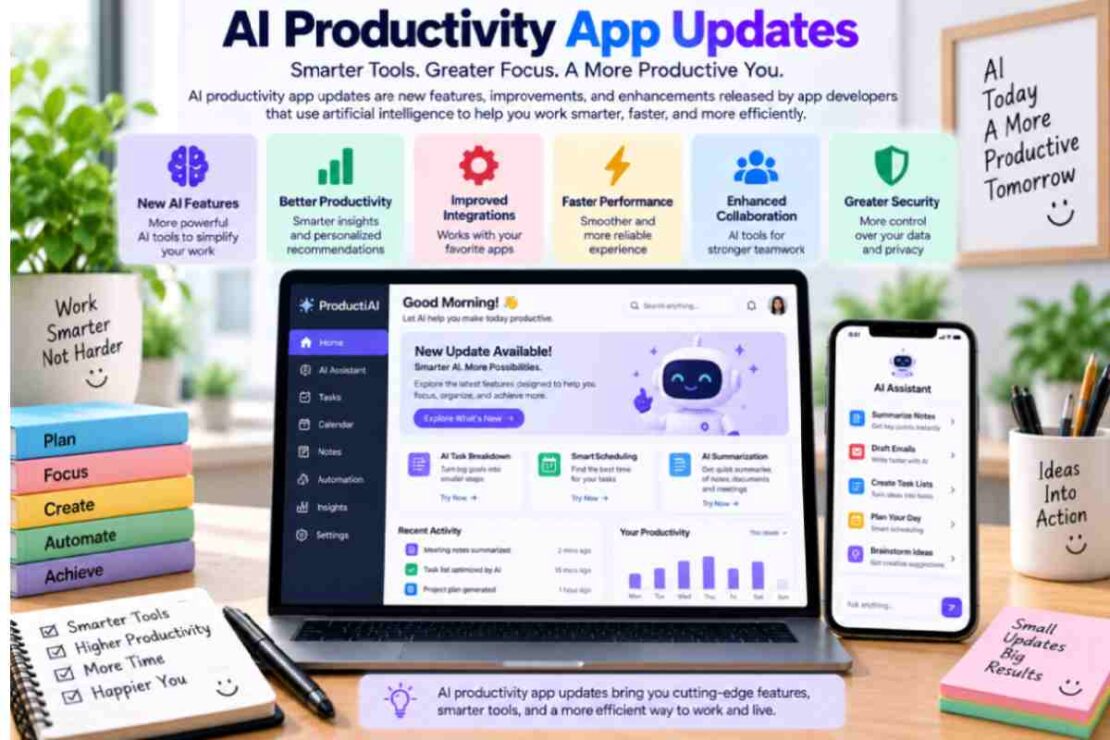
In 2026 AI applications for productivity are reshaping the way we schedule and strategize, write, store information, automate manual tasks and organize our daily life. Productivity tools are evolving from basic chat-style interfaces towards assistants that can perform searches based on connected data sources, tasks with multiple steps, content creation, and cross-app function. Keeping track of these updates can help an individual or a company decide which AI-powered features are actually beneficial andWhich tools should I integrate to my workflow.
What Are AI Productivity App Updates?

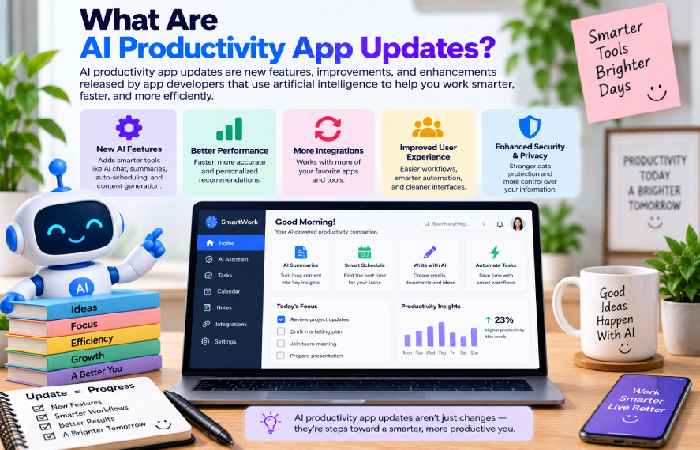
Updates to AI productivity apps-new artificial intelligence features in productivity software, new automation features, integration with new applications, UI and integration developments in existing products, new AI assistants in existing apps, and the addition of workflow features
Key AI Productivity Trends in 2026
| Update Area | Latest Direction | Potential Benefit |
|---|---|---|
| AI assistants | More proactive and task-oriented | Reduces manual work |
| AI search | Natural-language information discovery | Saves research time |
| Automation | Multi-step task execution | Streamlines workflows |
| AI writing | Drafting and editing assistance | Faster content creation |
| Workplace AI | Connected business workflows | Improves productivity |
1. AI Assistants Are Becoming More Action-Oriented
One of the biggest AI assistant updates is the move from answering questions to completing tasks.
Google’s Gemini Spark, for example, can work with connected applications and automate tasks across desktop files and Google Workspace. Google has also added conversational productivity capabilities to Gemini Live, allowing users to delegate tasks through voice.
This represents an important shift: users increasingly expect AI assistants to help complete work rather than simply explain how to do it.
2. AI Automation Is Moving Into Everyday Workflows
The latest in AI automation app updates points to automation being fundamental for increased productivity. The 2026 updates to Notion featured an Agent that can work independently, in the background, creating databases, finding company information, or processing tasks without the need for you to focus on it. Zoom’s latest featured ZoomMate, their first AI work companion, aimed at enabling conversational connections to Search, content creation, and task processing through business applications.
3. AI Writing Tools Are Becoming More Integrated
These advances will increasingly trend toward context. Rather than open another writing tool, more and more will be able to directly compose, edit, summarize and organize within productive apps. This brings AI writing to a wider range of application needs, including email, reports, project documentation, presentations and internal communication.
4. Workplace AI Is Becoming More Connected
AI updates at work, too, continue to try and bring the use of email, documents, calendars, chat and business apps together.
Google’s Workspace Intelligence, is supposed to leverage info across Gmail, Calendar, Chat, Drive, Docs, Slides and Sheets while offering administrators control over access to the AI.
All this integrated information should mean there’s less cause to drag and drop info between various applications.
How to Choose an AI Productivity App
Don’t choose an AI productivity tool simply because it has the newest model or the longest feature list. Evaluate how well it solves a real problem.
Consider:
- Usefulness: Does the AI save meaningful time?
- Automation: Can it complete repetitive tasks?
- Accuracy: Can important outputs be reviewed and verified?
- Integrations: Does it work with your existing applications?
- Privacy: How is your business or personal information handled?
- Ease of use: Can beginners use the features without extensive setup?
- Pricing: Does the productivity gain justify the subscription?
Frequently Asked Questions
Should I subscribe to updates from AI productivity apps?
It can be helpful in order to stay on top of automation features, AI search/writing tools, workflow enhancement, and other productivity aids that are released.
What’s the biggest AI productivity trend for 2026?
We’ll move from AI that produces outputs to agentic AI-assistants that are able to complete multi-step tasks for me and that have their own agency to make requests for me to use things for tasks.
Should I use AI productivity tools?
They’re useful when they automate tasks and makes information easy to find, but with the many features and variety it really depends on how effective you find an application’s accuracy, its privacy settings, its costs and how much time it really saves you.
Final Thoughts
AI productivity apps in recent updates illustrate a more intelligent and connected, rather than autonomous, workflow and platforms integrate AI into writing, messaging, research, and task management. For users in 2026 looking to add value through new tools, the ideal AI productivity app may not be the more autonomous one; instead, users should consider which app would effectively alleviate friction out of workflows you already need to work through given their growing smarter capabilities (AI assistants increasing capacity, automation spreading into daily tasks), more integrations, and so on.
This could also be the anchor of the discussion and link to latest AI productivity features, the latest AI assistant updates, the latest AI automation app updates, the latest AI writing tool updates, and the latest workplace AI updates.