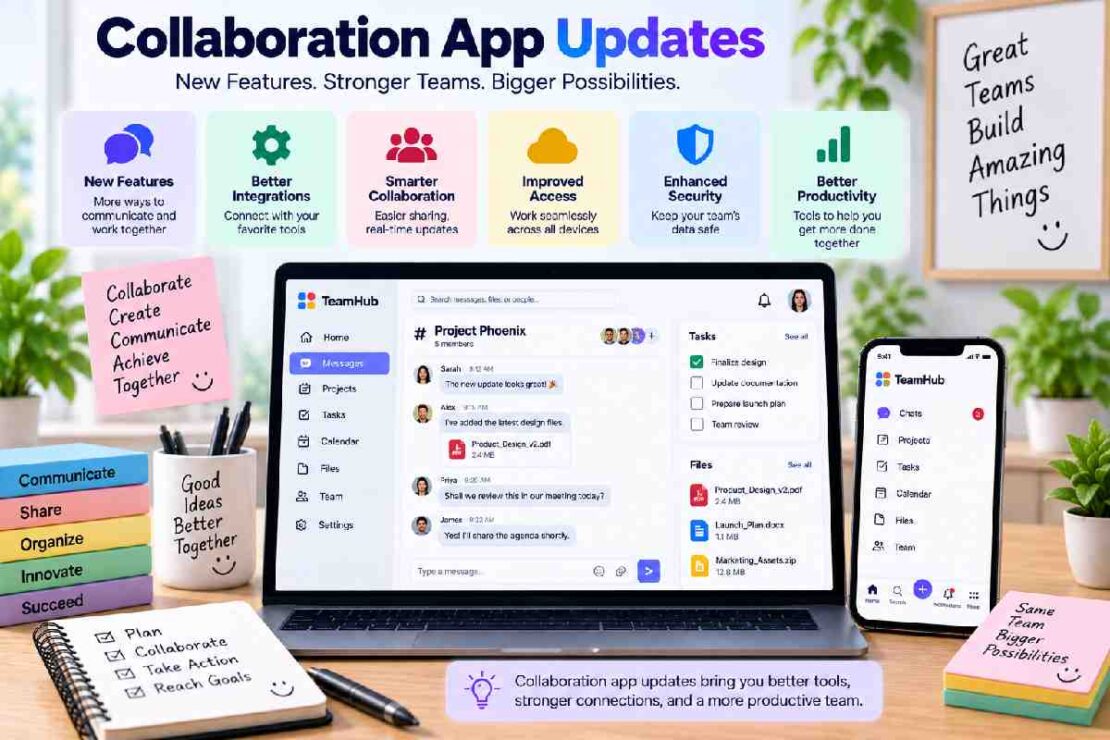
Collaboration app updates are altering the ways in which we communicate, share and manage workflows and collaborate as teams in 2026. Smart collaboration tools are evolving from messaging platforms to become all-in-one solutions equipped with AI assistants, improved search functionality, automation, and cross platform communication as well as in-depth features that augment meeting capabilities and unified work spaces. Selecting collaboration software for your organization may be simplified by remaining current with these developments in modern collaboration apps.
What Are Collaboration App Updates?

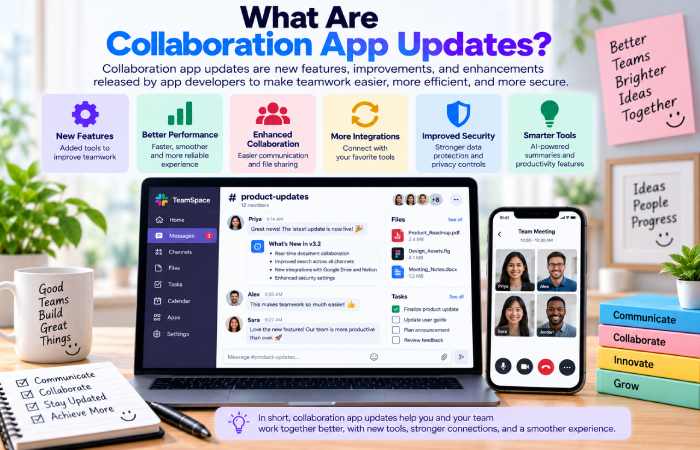
Collaboration app updates consist of a bundle of new functionalities, user experience updates, AI enhancements, integrations, security improvements, and workflow management tools from a team communication application.
The primary trend dominating 2026 for team collaboration will consist of integrating communication tools together for workplace operations. Rather than going through each individual app for each task like talking to others, reading messages, documents, joining meetings, tasks completion, and automation-teams seek a single, cohesive work environment within an application.
Key Collaboration App Trends in 2026
| Update Area | What’s Changing | Benefit for Teams |
|---|---|---|
| AI assistants | Search, summaries and automated actions | Saves time |
| Smart search | Faster access to conversations and files | Less information hunting |
| Workflow automation | Actions triggered directly from messages | Fewer manual tasks |
| Cross-platform collaboration | Better communication between platforms | Easier external work |
| Meeting integration | Conversations connected to meetings | Better context |
1. AI Is Becoming Central to Collaboration
AI is one of the biggest developments across collaboration platforms. Instead of manually searching through conversations, users can increasingly ask questions and retrieve relevant information using natural language.
Slack has also expanded Slackbot capabilities, including connections to apps through MCP servers and AI-powered features designed to help users find information and complete work inside Slack.
For teams, the value isn’t simply having an AI assistant. The more important question is whether AI can reliably reduce repetitive work while keeping people in control.
2. Search and Knowledge Discovery Are Improving
When you need to locate an old message or document in a chat conversation at work, it can become incredibly challenging as your team continues to message. The latest in the development space is that the new collaborative functions have to bring more discoverability to everything in the workplace. Microsoft Teams recently announced their new enhanced file search and natural language search capability while Slack has increased the reach of their enterprise search functionality to connected sources likeGmail, Microsoft Outlook etc. For dispersed teams who heavily rely on asynchronous communication, these developments can prove very useful
3. Workflow Automation Is Moving Into Chat
Finally, automation integrated directly within the conversation itself represents another valuable trend. Microsoft Teams now allows workflow initiation directly from a message, on events like approvals, notifications, or follow-up tasks. The advantage here is that less context-switching can occur, as employees are able to trigger a workflow without necessarily leaving the message thread.
4. Cross-Platform Collaboration Is Growing
When a company works with customers, suppliers, freelancers, and even partners who have varied platforms it’s natural for collaboration software to have interoperability as a core focus. Google chat’s integration in 2016 using the NextPlane OpenHub provides the ability to communicate directly with an external Microsoft Teams tenant, chat, have channels, share files and initiate meetings.
How to Choose a Collaboration App
Don’t choose a platform simply because it has the longest feature list. Consider how well it fits your team’s actual workflow.
Look for:
- Communication: Are chats and channels easy to manage?
- AI: Does AI solve useful problems rather than add complexity?
- Search: Can employees quickly find information?
- Automation: Can repetitive processes be streamlined?
- Integrations: Does it connect with your existing software?
- Security: Are administration and access controls appropriate?
- Collaboration: Does it work well for both internal and external teams?
- Pricing: Does the feature set justify the cost?
Frequently Asked Questions
Business value in applying collaboration app updates?
The updates may bring features such as AI, automation, search, communications, and security enhancements that can make your team more productive.
What will be the dominant collaboration trend in 2026?
AI powered collaboration where you get AI support for work applications: AI supported searches, summaries, automations and cross-tool connections to business applications.
Are collaboration apps replacing e mail?
Not really. Collaboration platforms however are unifying instant messaging, files, meetings, automation, and integrations under one solution so you need email less for daily work items.
Final Thoughts
The updates on newest team collab app signify that team-relevant software has increasingly got smarter, more connected and more automated. The most dominant platforms are moving beyond mere messaging conduits and becoming integrated team hubs that can be used for team communication, finding information, holding meetings, automating team tasks and completing team projects.
For businesses looking to evaluate collaborative software in 2026, rather focus on the size of the suite of features, try to investigate if the chosen platform smoothens business process, helps easy access to information, and works well within the team workflow.