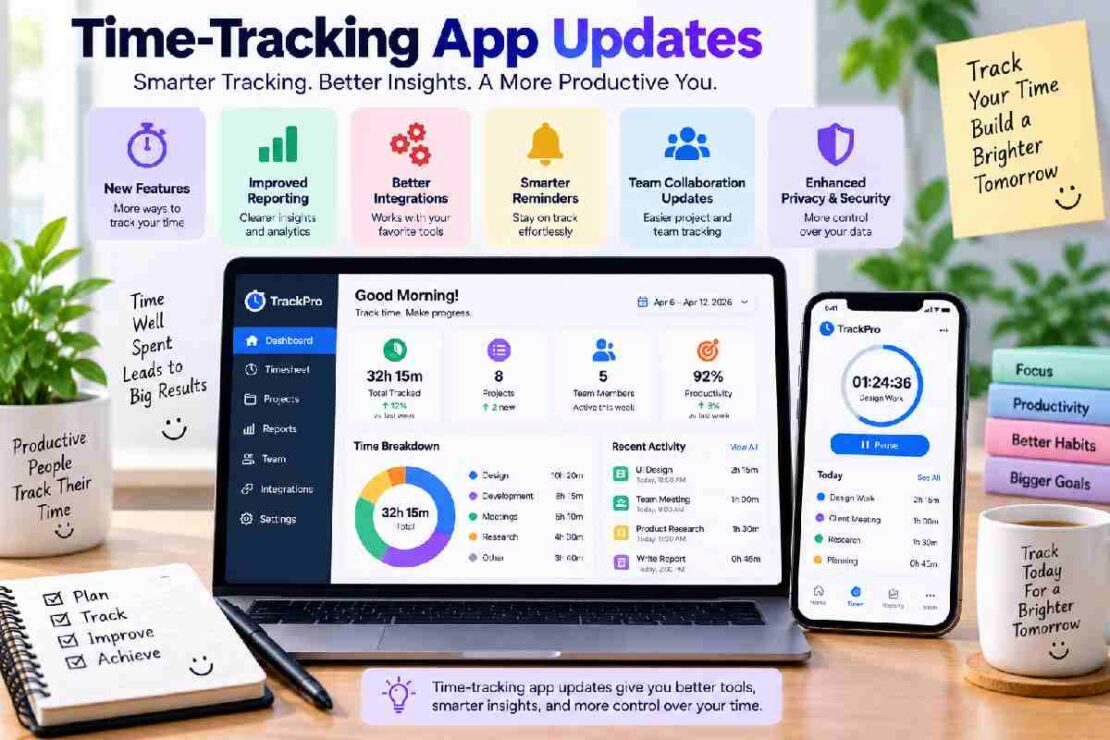
Changes in time tracking apps are helping people to analyze work-time expenses, improve productivity and balance workloads more effectively in 2026. The trend in time tracking software has changed quite significantly and is no longer based around basic timers but automation, performance analysis, focus utilities, workforce tracking and integrations. Those who are freelancers, students, professionals and employees of businesses can greatly benefit from taking an interest in those updates and discovering new tools which will suit them well.
What Are Time-Tracking App Updates?

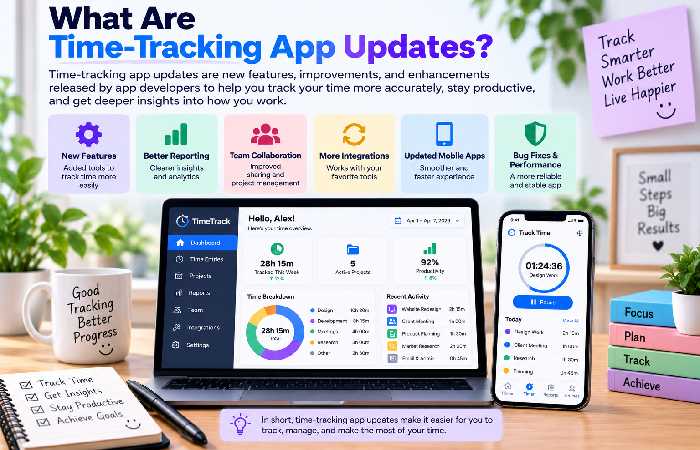
When time tracking app updates are listed, these new additions refer to features, improved performance, interface adjustments, new integrations, report enhancements, and security updates made to time management software platforms.
Increasingly, current time tracking tools provide users with productivity and focus-enhancement functionality. In lieu of the necessity to hit a stop or start button during working hours, users could be offered features such as automatic time tracking, work activity reports, reminders, and productivity-focused suggestions.
It can be seen then that information about time management app updates is useful for users that wish to compare amongproductivity software optionsor to discover additional functionality that may be implemented into a working environment for the most efficient working days.
Key Time-Tracking Trends in 2026
| Update Area | What’s Improving | User Benefit |
|---|---|---|
| Automated tracking | Smarter activity and time detection | Less manual entry |
| Focus tools | Dedicated focus sessions | Better concentration |
| Pomodoro | Flexible work-and-break timers | Structured productivity |
| Employee tracking | Improved reporting and visibility | Easier workforce management |
| Distraction blocking | Website and app controls | Fewer interruptions |
1. Focus Features Are Becoming More Important
Focus app updates are increasingly connected with time tracking. Rather than simply recording hours, productivity apps are helping users understand how much time is spent on focused work versus interruptions.
Focus modes, session timers, reminders, and productivity reports can help users build better working habits without requiring complicated systems.
2. Pomodoro Tools Are Getting More Flexible
Pomodoro app updates are adding more customization to the traditional work-and-break cycle. Users can adjust session lengths, create recurring focus periods, and combine timers with task or project management.
This can be useful for students, writers, developers, and professionals who prefer working in structured intervals.
3. Employee Time Tracking Is Evolving
Employee time-tracking updates is something for businesses to consider. More and more workforce technologies include advanced reporting, task tracking timesheets and timesheets, plus visibility of presence and productivity. Organizations should pay close attention to the use of these technologies, where the concern for employees over and above productivity will affect its viability. The tool should have good reporting and yet be an easy mechanism for keeping accurate work logs.
Distraction Blocking and Productivity
Another category seeing rapid development is distraction blocking app updates. Such apps offer an option to block certain websites/applications from use during defined focusing periods. Block distractions can work well in conjunction with a time-tracking application, showing an additional dimension of how much external input disrupts our work patterns. One problem is how to choose what to block-the solution needs to be tailored to the needs of the particular user.
How to Choose a Time-Tracking App
The newest feature isn’t automatically the best choice. Before selecting a platform, consider your workflow and the type of information you actually need.
Look for:
Ease of use: Quick start and stop tracking times?
Automation: Automates manual time entries?
Reporting: Simple and readable time reports?
Focus tools: Facilitates work in sessions?
Integrations: Available with current tools?
Team features: Supports projects, employees or clients?
Privacy: Clearly stated tracking process and practices?
Pricing: Gives you sufficient value at your price point?
Frequently Asked Questions
Why use time-tracking app updates?
Updates could mean improved automation, reporting, focus tools, integrations or other productivity features that make your work easier.
Are there benefits to using time-tracking apps as individuals?
Yes. Freelancers, students, remote workers, and other professionals can use them to get a clearer picture of how they manage their time and which areas of their work can be improved.
What factors should a business look into before tracking their employees?
Businesses should consideraccuracy, transparency, privacy and the reporting capabilities before tracking time and determine if it’s a suitable option for their workplace.
Final Thoughts
Focus tracking software is already changing form in addition to offering a basic digital stopwatch. With time-tracking app updates that add focus, productivity, reporting, and a variety of other elements for managing distraction; looking at news from focus app updates, time management app news, Pomodoro app updates, employee time-tracking updates and distraction-blocking app updates allows users to compare and evaluate tools that encourage productive and sustainable workflows.