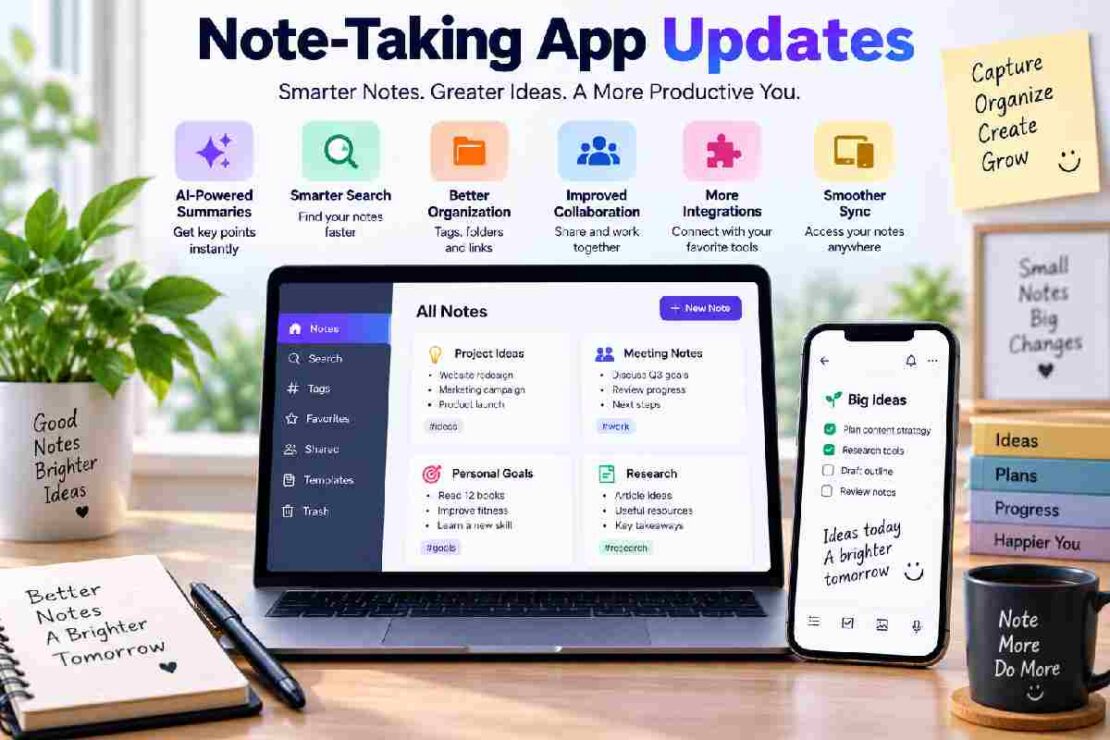
By 2026, the pace of updates to note-taking apps are redefining note taking on numerous levels, from the way they are created and stored, searched and organized and finally how they are utilized. The notes applications of today have evolved to more than just simple digital note-keepers, but also boast AI assistance, more advanced and smarter categorization of notes, collaboration between users and powerful tools and processes to leverage notes as knowledge. It is essential for all students, professionals, researchers and teams to stay on top of their updating features so they can choose the optimal note taking software for their jobs.
What Are Note-Taking App Updates?

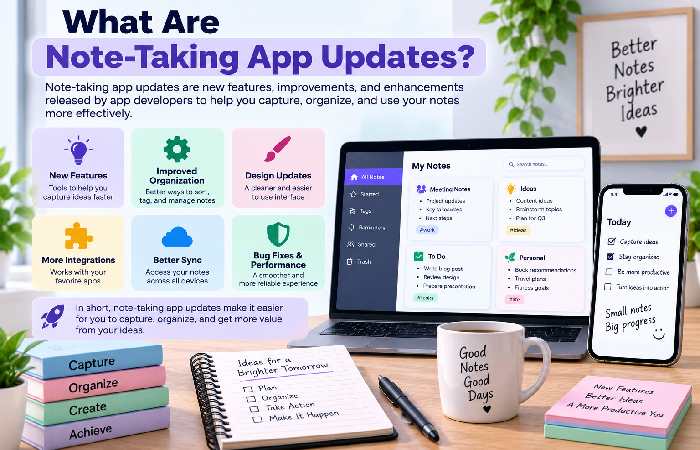
Updates to a note-taking app can consist of: performance increases, user interface adjustments, new functions, security features, and Integrations implemented by a digital note-taking service. It has become increasingly common in development of note taking apps to extend a note-takers possibilities beyond the moment it was written. Examples are such new things as; AI organization, search enhancements, document management, note templates, sync across all devices or collaborative notes. Thus notes taking appnews is both informative for those already using such services, as well as anyone considering productivity tools and knowledge management options.
Key Note-Taking Trends to Watch in 2026
| Update Area | What Users Can Expect | Why It Matters |
|---|---|---|
| AI assistance | Summaries, rewriting and information extraction | Saves time |
| Smarter search | Better discovery across notes | Finds information faster |
| Organization | Tags, folders and automated categorization | Reduces clutter |
| Collaboration | Shared notes and real-time editing | Supports teams |
| Integrations | Connections with other productivity tools | Creates smoother workflows |
1. AI Is Becoming a Core Note-Taking Feature
One of the biggest developments is the growth of AI note-taking updates. AI can help users summarize lengthy notes, rewrite content, identify important points, and make information easier to retrieve.
For professionals, this can turn meeting notes and research material into actionable information without requiring extensive manual organization.
2. Digital Notes Are Becoming More Connected
Modern digital notes app updates increasingly focus on connecting information rather than keeping isolated pages. Users may organize related projects, documents, tasks, links, and reference material in one workspace.
This trend is particularly valuable for people who use their note-taking platform as a personal knowledge base.
3. Knowledge Management Is Taking Center Stage
It can be hard to tell the difference between note-taking and knowledge management software. Many updates to note-taking apps are now including databases, a framework for structured information, advanced searching, interconnected content, and an AI searcher or discoverer.
This feature-rich environment can be a helpful and light internal knowledge base for a team that is growing:
How to Choose a Note-Taking App
When comparing platforms, don’t judge an app only by its newest feature. Consider how well the complete product fits your workflow.
Check:
- Usability: Is it easy and fast to take notes, or to find the one you need.
AI capabilities: Do the artificial intelligence features of the tool bring actual help.
Organization: Is the platform organized and does it work with the hierarchy you already use, or desire?
Synchronization: Are notes constantly available between devices, or do you fear the one device doesn’t have the correct version of your note?
Collaboration: Are the notes sharable or editable in team mode efficiently?
Integrations: Does it link up with the other tools you’re using every day, so that everything’s interconnected.
Pricing: Do the available plans make sense based on your needs.
With all that said, I’m not entirely sure a new update of a writing app, such as the one demonstrated, is something you’re looking for. The one that will finally best suit my daily life seems to be not even released.
Frequently Asked Questions
Should I follow updates for note-taking apps?
Following update information informs you about the new productivity, AI, organization and collaboration features you can integrate in your workflow.
Is it worth utilizing AI note taking features?
AI can assist you in summarizing data, organizing files and processing information however one must analyze the information as the information generated may contain inaccuracies.
What should I look for when searching for note-taking app in 2026?
Consider usability, search options, features related to organizing, sync and synchronization features. Also keep in mind that features used must enhance your workflow.
Final Thoughts
The note taking market is transforming from pure digital notebooks to more comprehensive knowledge and productivity applications. By tracking updates of notes applications users can easily spot relevant improvements, compare alternative applications, and ultimately find the best fit as their requirements change.
For the content strategy’s topical approach page this also works as a landing page that will point to related articles on updates of digital notes app updates, AI note-taking updates, notes-taking software news, knowledge management app updates and writing application updates.