If you’re search for JavaScript tutorials for beginners then there are a good possibility that you’ve had all you can take of 20 hours tutorialsdumps littering up your desk! What you need is a starting point , basic explanation , some programming exercises as well as a map what topic’s next! Modern webpages cannot exist today with out JavaScript, The latest ECMAScript Specification which the 17th edition of ECMA-262(known as ECMAScript 2026 was released in June 2026) have made javascript that the most updated coding language. Don’t worry though – you didn’t need to know every single last thing from the begin on-it simply is a must take a look at the initial thing to start coding small application after moving on slowly to the browser ones.
Best JavaScript Tutorials for Beginners: Quick Comparison
| Tutorial | Best For | Free Access | Interactive Practice | Projects | Difficulty |
|---|---|---|---|---|---|
| W3Schools | Absolute beginners | Yes | Yes | Yes | Beginner |
| MDN Web Docs | Reliable fundamentals | Yes | Some | Yes | Beginner–Intermediate |
| JavaScript.info | Deep understanding | Yes | Limited | Examples | Beginner–Advanced |
| freeCodeCamp | Hands-on learning | Yes | Yes | Yes | Beginner–Intermediate |
| Codecademy | Guided interactive lessons | Free + paid | Yes | Yes | Beginner |
1. W3Schools JavaScript Tutorial
W3Schools JavaScript Tutorial is one of the easiest places to start if you’ve never written JavaScript before.
Everything is divided into chapters covering syntax, variables, data types, operators, conditions, loops, functions, and more! Also The ‘Try it Yourself’ Editor of this browser, so you can change and try on the go and run codes at the same time, then Of course here is the Starter course content Package – contains assignments, quiz tests, a ‘to-do list’ task, validating form, modal popup,
This is Good For: You if are just looking to take little steps with a lot of real time practice.
Why it has to be on your list(but isn’t enough): Beyond the introductory level nothing else is there to read.
2. MDN JavaScript Tutorials
MDN JavaScript Learning Module is the resource I’d recommend when you want authoritative technical information.
MDN’s beginner JavaScript course starts with what JavaScript is and moves into practical coding, variables, functions, events and troubleshooting. It even includes a step-by-step “Guess the number” project.
MDN does recommend that learners understand basic HTML and CSS first, so absolute beginners should keep that in mind.
Best for: Building a strong technical foundation.
Potential drawback: Its documentation style can feel more formal than beginner-first platforms.
3. JavaScript.info
The Modern JavaScript Tutorial is an excellent choice if you prefer learning through detailed written explanations.
The tutorial starts from a beginner level, working up from variables, data types, functions, objects, arrays, classes, promises, async/await and modules. Once it has got through that, it dips into browser specifics like the DOM, events, forms, network requests, etc.
It’s been kept and updated since 2007, the author’s say.
The best for: anyone learning to grasp the underlying principles of how JavaScript does what it does instead of just memorizing commands.
4. freeCodeCamp
6. FreeCodeCamp FreeCodeCamp’s ecosystem works by linking the courses, through the coding challenges and then the integration with a JavaScript project or a few videos/articles about JavaScript. The JS course, that I begin, is the first of freeCodeCamp, and the beginning is a good first introduction to variables, arrays, functions, loops, objects, along with newer features of the language. This does not just speak about the concepts, but to actively do them.
BEST FOR- anyone who does not wish to pay to learn in a very training kind of way.
Potential tiny point- the courses can be overwhelming without a path
5. Codecademy
Codecademy’s JavaScript courses takes a more structured, interactive approach.
The beginner JavaScript curriculum covers variables, conditionals, functions, scope, arrays, loops, iterators, and objects, alongside quizzes and projects.
A couple of the features and certificates are subscription based, so be sure to familiarize yourself with the current course terms before making it your go to.
Best for: Those just starting out who want a bit more of the guided hand of exercises and interaction.
What Should You Learn First?
Don’t jump directly into React, Node.js or another framework.
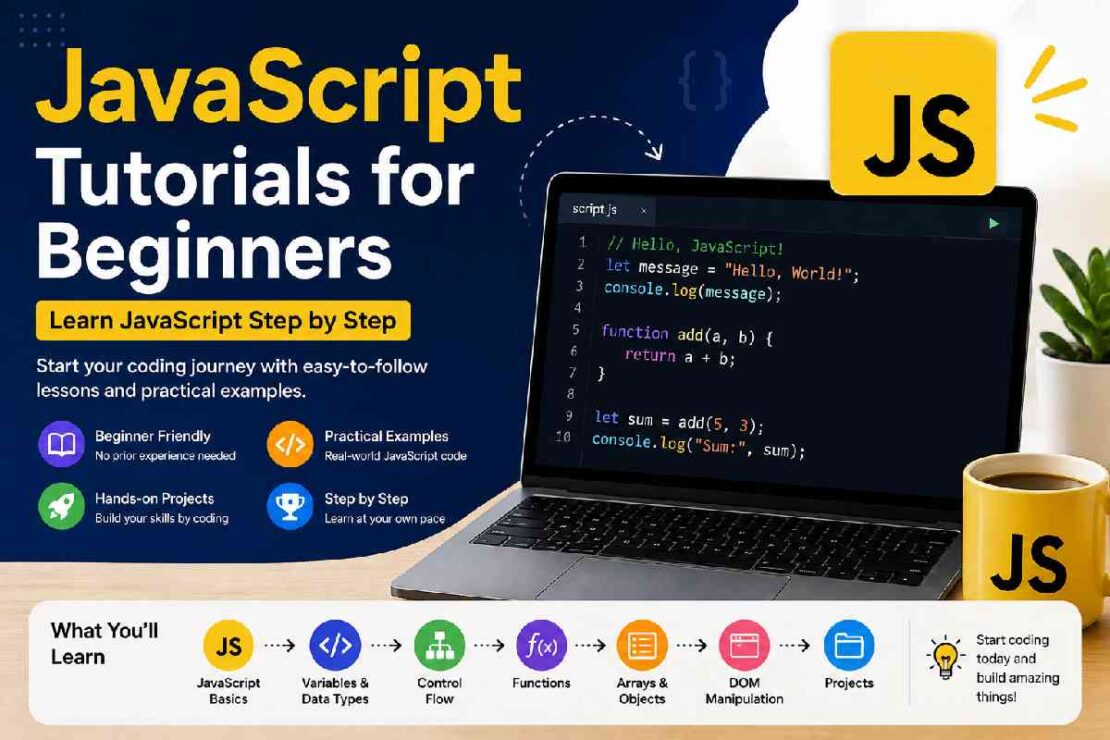
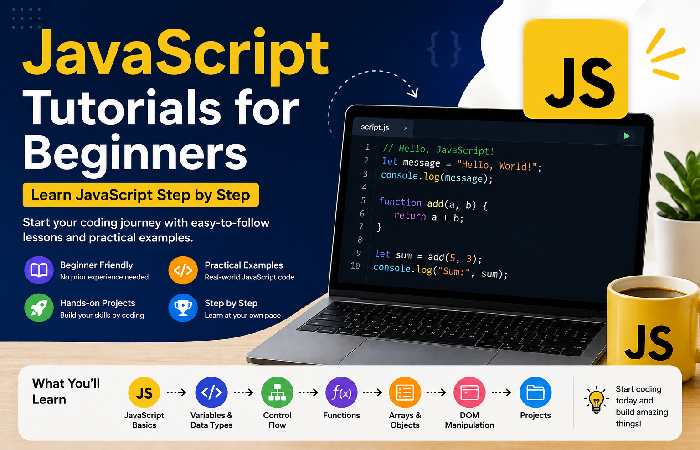
A better learn JavaScript step by step roadmap is:
- JavaScript syntax and comments
- Variables with
letandconst - Data types
- Operators
if/elsestatements- Loops
- Functions
- Arrays
- Objects
- DOM manipulation
- Events
- Fetch and APIs
- Promises and
async/await - Modules
- Small real-world projects
This order gives you a foundation before introducing more complicated concepts.
2026 JavaScript Learning Snapshot
The technology itself is still actively evolving. ECMAScript 2026 became the 17th edition of the official language specification in June 2026.
At the same time, the latest published Stack Overflow survey data available before the 2026 survey results showed JavaScript at 66% usage among respondents in 2025. The 2026 Developer Survey is currently underway, with results still pending.
| 2026 Learning Signal | What It Means for Beginners |
|---|---|
| ECMAScript 2026 released | JavaScript continues to evolve |
| JavaScript remains widely used | Skills remain broadly applicable |
| Browser-based coding is common | You can start without complicated setup |
| AI coding tools are expanding | Understanding fundamentals is more important, not less |
| Modern JS uses async code, modules and APIs | Beginners should eventually move beyond basic syntax |
Beginner JavaScript Projects to Build
Reading tutorials isn’t enough. After every few lessons, build something.
Try these projects in order:
- Digital counter — variables, functions and DOM events
- To-do list — arrays, objects and DOM manipulation
- Calculator — operators and event handling
- Quiz app — conditions, arrays and functions
- Weather app — APIs, Fetch and
async/await - Expense tracker — objects, arrays and browser storage
A useful rule is learn → code → break → debug → rebuild. That cycle teaches more than passively watching another tutorial.
Troubleshooting Common JavaScript Problems
“My JavaScript isn’t running.”
Check that your script is correctly connected to your HTML file:
<script src="script.js"></script>
Also open your browser’s Developer Tools and check the Console for errors.
“I copied the code, but nothing happens.”
Don’t immediately copy another solution. Read the error message first. Check variable names, brackets, quotation marks and function calls.
“JavaScript feels too difficult.”
You’re probably trying to learn too much at once. Return to one concept and build a tiny program with it. For example, instead of studying every array method, create a shopping list using an array.
Best Free JavaScript Course for Beginners
If you want to practice JavaScript coding for free, you would begin with W3Schools or freeCodeCamp.
If you are looking for more technical depth, you would supplement your main course with MDN and JavaScript.info.
Codecademy would also be another good option if you like interactive learning with instructions to follow.
If you want to do as many projects for free as possible, then Scrimba currently has a JavaScript beginner’s course which boasts over 140 interactive coding challenges and projects ranging from a game to an extension and a mobile app.
Frequently Asked Questions
Is it OK for an absolute beginner to learn Javascript?
Yes. JavaScript has one of the easiest learning curves among the major web development languages. Knowledge of HTML & CSS will help when working with JavaScript inside a browser, but fundamentals of the language can still be acquired as you go.
How long to learn Javascript?
You should be able to write decent JS code within several weeks, provided you dedicate it some time every day or every second day. Becoming proficient enough to construct actually complicated applications might require weeks of full immersion to several months, depending on effort. Don’t set a fixed timeline – go forprojects.
Can I learn JS with free resources?
Yes! There is an abundance of excellent and free online resources to learn JavaScript – try out: MDN; W3Schools; javascript.info; freecodecamp; Will it be easier to learn JS first?
Yes! Learn JavaScript first. You’ll find it much easier when it comes to the topic of React frameworks to know functions, array methods, objects, destructuring, modules, event listeners and of course asynchronous JS. What is the best way of learning JS?
Start with one tutorial course as a central point of reference; immediately after reading each lesson – practice! Work your way up to writing gradually more advanced projects; instead of trying out ten courses.
Final Verdict
The JavaScript tutorials that are “best for beginners” don’t often correspond with the highest number of hours of video. The “best for you” is one that actually leads to learning core concepts and writing real code.
Simple to get started: W3Schools Detailed Reference: MDN Good for deep reading: JavaScript.info Lots of free practice space: freeCodeCamp Good for interactive guided learning: Codecademy My main advice: Stop “doing JavaScript” and instead, try to “learn one thing, then build something with it, then find/fix the errors, and then learn another thing”.